
Payment Methods 2 block design & features
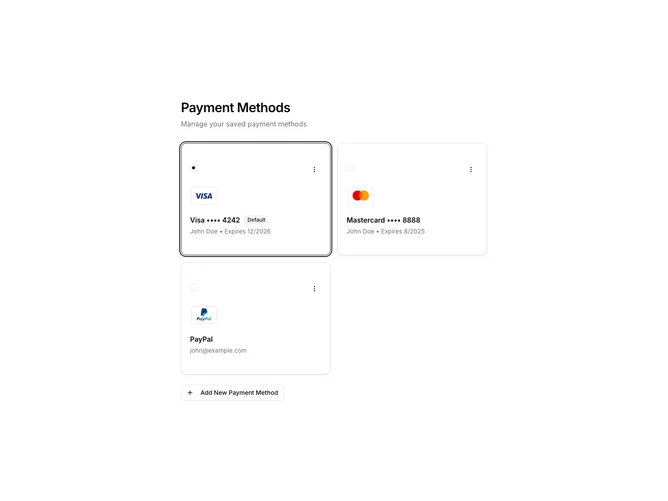
The PaymentMethods2 component is a user-friendly shadcn block that manages the display and editing of payment methods. It efficiently supports the addition, modification, and removal of various payment methods, like Visa, MasterCard, AmEx, and PayPal, providing a convenient way for users to handle multiple payment options in one place. The component offers a clear and organized layout that balances functionality with straightforward navigation, ensuring users can quickly view and interact with their payment methods.
This shadcn component introduces an intuitive design for handling payment information. It features a visually distinct grid layout with selectable payment option cards that contain essential details, such as card type, expiration, and the cardholder's name. With interactive elements like buttons for editing, a dropdown for setting default methods, and clear form inputs for modifications, users have comprehensive control over their payment options. Notably, the PaymentMethods2 component differentiates itself by integrating seamless transitions between view and edit modes, along with an accessible interface for adding new payment methods, making it a unique tool within the shadcn UI arsenal.