
Navbar 35 block design & features
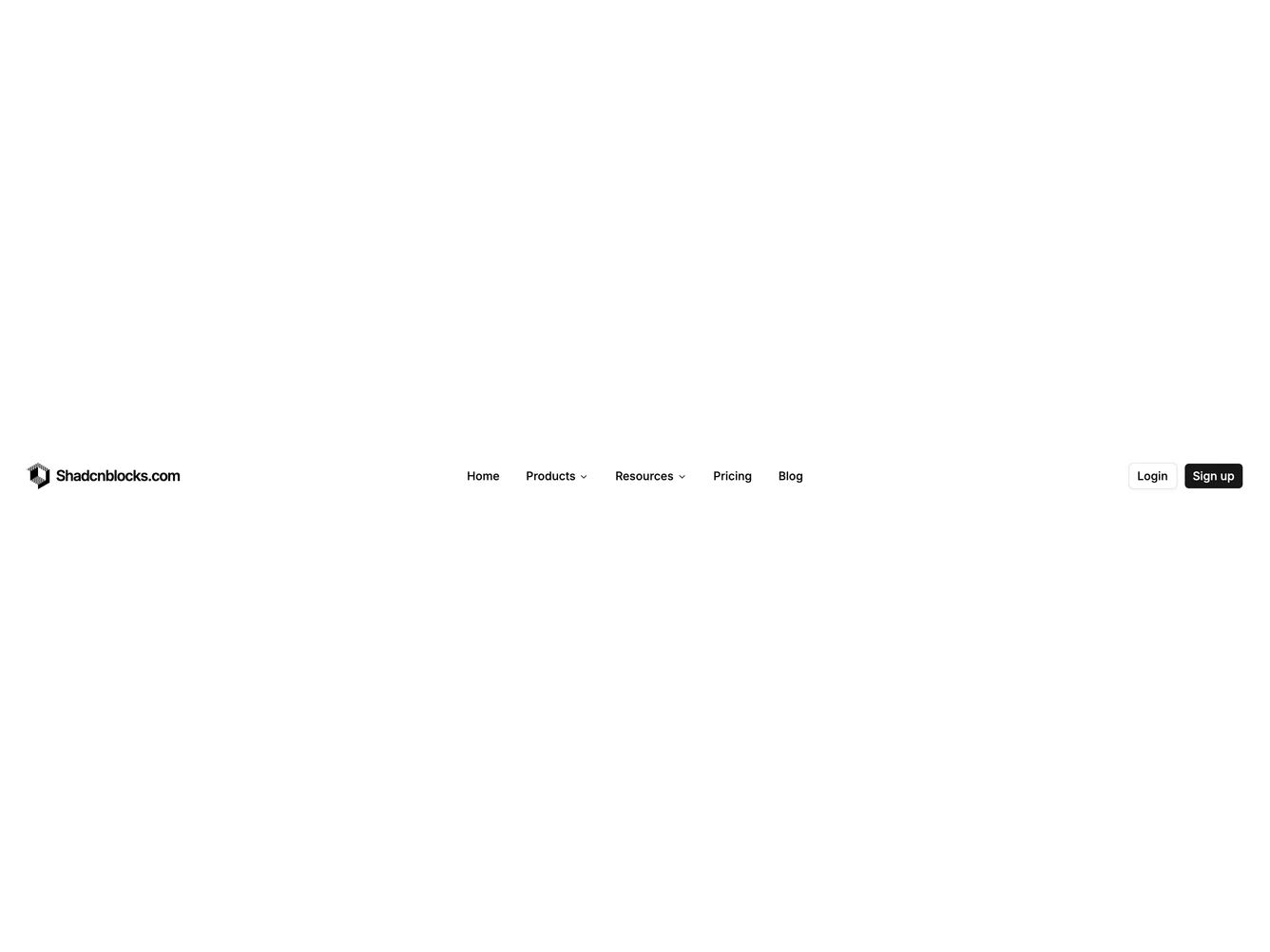
Navbar35 is a full-width header bar built with shadcn/ui. The logo and site name sit on the left, login and signup buttons sit on the right, and the navigation menu is centered in the bar between them. Products and Resources open dropdown panels with four links each, pairing a Lucide icon, title, and short description. Home, Pricing, and Blog appear as plain top-level links. On small screens the menu collapses behind a hamburger that opens a slide-in sheet with accordion sections for nested items and stacked auth buttons.
The bar uses a light background with standard foreground text. Dropdown links sit on a popover surface with muted hover states. Icons appear at a consistent size beside link titles. Outline and filled small buttons handle authentication actions. The mobile sheet scrolls vertically when content exceeds the viewport height.
This is a moderate-complexity navbar that follows a familiar marketing header pattern: the same icon-enriched dropdowns as a left-grouped menu, with the links held in the horizontal center so the logo and actions frame them. It is content-driven. A developer supplies the menu tree, optional nested links with icons and descriptions, a logo image, and auth URLs.
Desktop keeps the three-part row. Below the large breakpoint the inline navigation hides and the links move into the sheet. Logo text is hidden on the smallest header row, showing only the mark until the sheet opens.