
Launch 1 block design & features
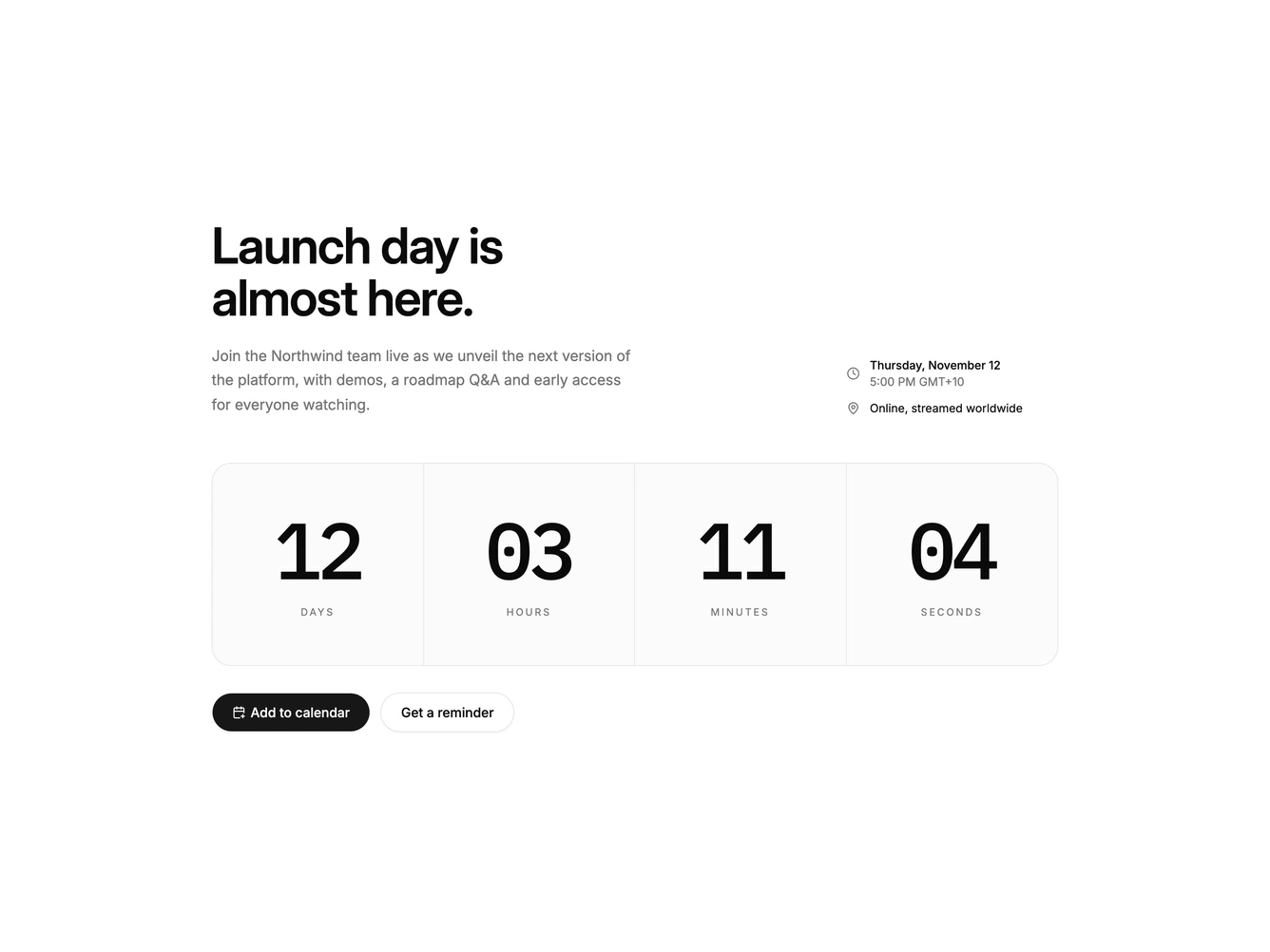
The block builds anticipation for a launch or live event. A heading and description sit on the left, with the date, time and location on the right.
A wide four-column timer counts down days, hours, minutes and seconds in large monospace numbers. The target date is worked out after the page loads, so it shows placeholders first and never causes a hydration mismatch. If no future date is passed, it counts to a date a set number of days ahead.
The add-to-calendar Shadcn UI Button generates an .ics file in the browser and downloads it, and an outline button offers a reminder instead.
On mobile the details stack under the heading, the timer numbers shrink to fit four columns, and the buttons stack.