
Invite User 1 block design & features
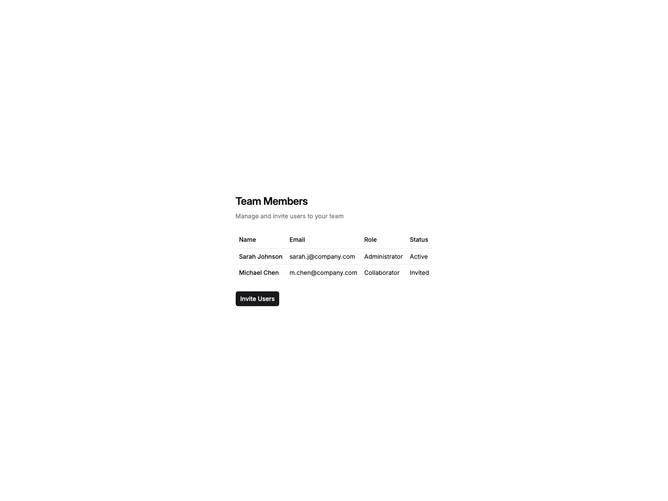
InviteUser1 displays a user table with columns for name, email, role, and status, plus an invite button that opens a dialog. The invite dialog contains a textarea for entering multiple email addresses, a role selector dropdown, and a send button. The table shows existing team members with their current roles and statuses.
Light background with bordered table rows. The invite dialog uses a muted background for the form area with the footer on white. The textarea allows comma-separated email entry. The role selector offers options like Administrator, Editor, and Viewer. The send button includes an arrow icon.
This is a standard team management pattern for inviting new members via email. The bulk email textarea allows inviting multiple users at once. A straightforward implementation suitable for settings pages or admin dashboards.