
Gallery 64 block design & features
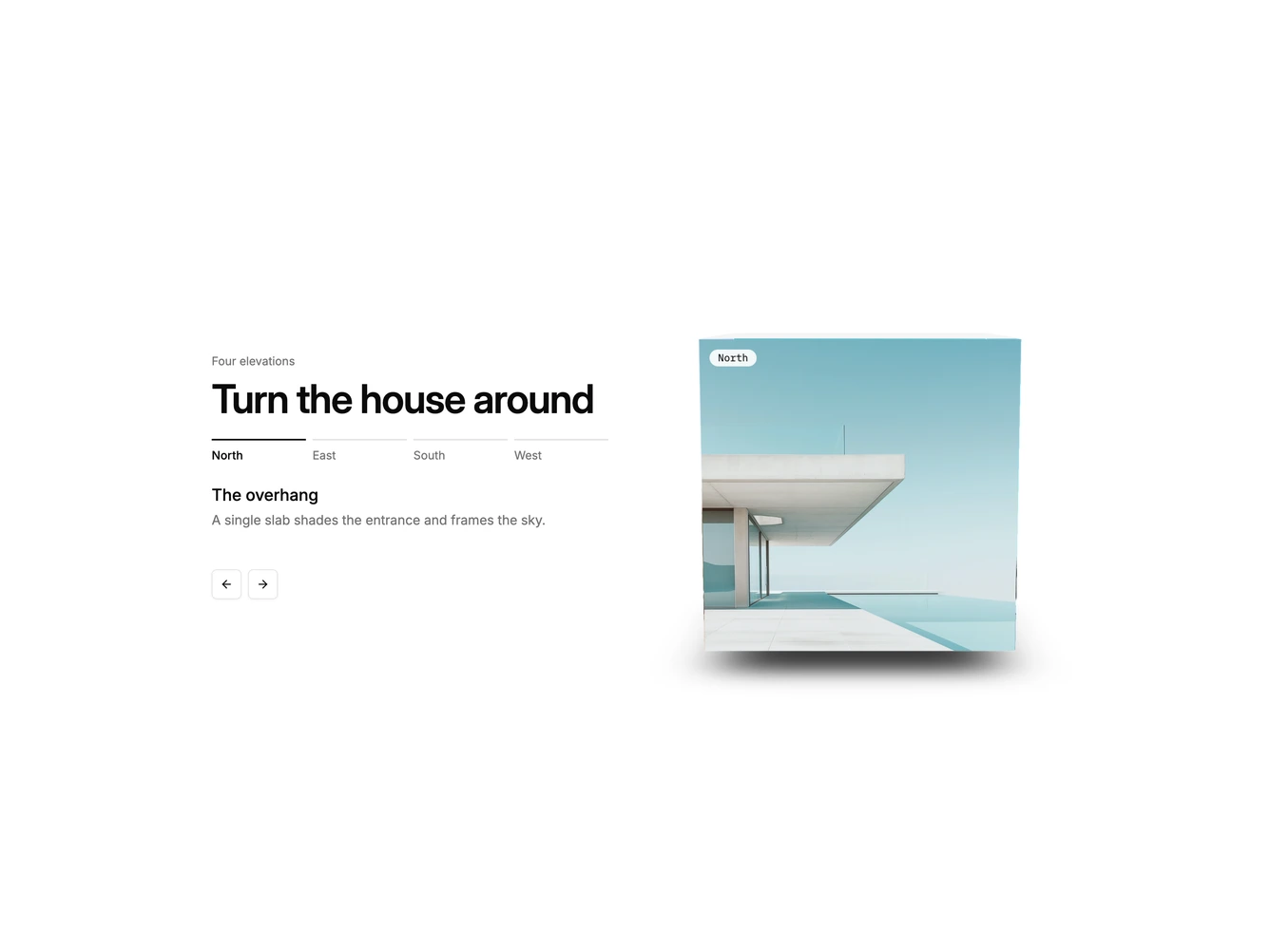
Gallery64 puts four photographs on the sides of a cube. This Shadcn UI block has a left column with a heading, a row of four tab labels, the active face's title and description, and arrow buttons. The right column shows the cube, seen from slightly above, with a small label on each face and a soft shadow underneath.
Turning the cube uses a springy rotation, so it overshoots a little and settles. The arrow buttons turn it one face at a time, a horizontal swipe turns it in that direction, and clicking a tab takes the shortest route to that face. The active tab is marked with a heavier top rule.
It is a compact, tactile way to show four related views, such as building elevations, product angles, or seasons. It needs four square images with a label, title, and one-line description for each.
On mobile the cube sits below the text and shrinks.