
Gallery 16 block design & features
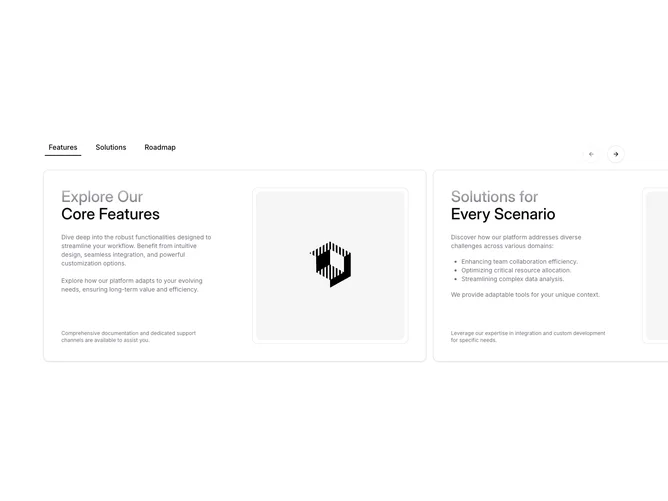
Gallery16 adds depth to a carousel with parallax. Built with shadcn/ui, it shows a heading, short description, and arrow buttons above a looping row of 4:3 photo cards, each with a title and location underneath.
As the row is dragged or stepped with the arrows, each photo slides inside its frame at a different rate to the frame itself, so the images appear to sit behind the cards like windows. The effect is tied directly to scroll position, so it follows every drag smoothly.
It is subtle and polished, a small detail that makes a standard carousel feel more physical. It needs landscape images with a title and location each.