
Gallery 113 block design & features
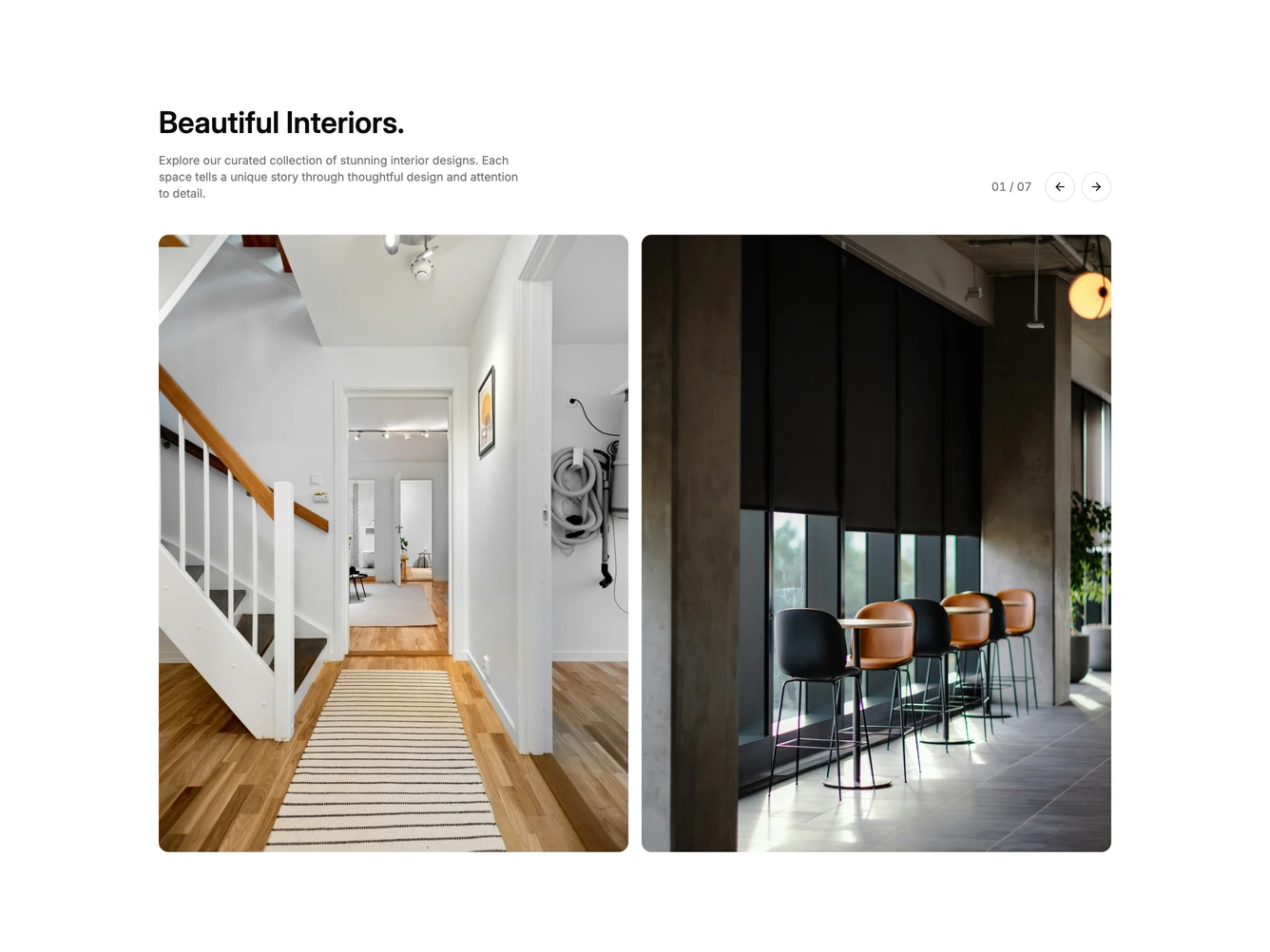
The section opens with a left-aligned heading and short description, with the carousel controls aligned to the right of the same row: a zero-padded slide counter such as 01 / 07 and a pair of round outline arrow buttons. Below, a shadcn/ui Carousel shows two tall portrait-ratio images at a time with rounded corners.
Grouping the controls with the heading keeps the photos unobstructed and reads like an editorial section header. The counter updates as the carousel moves, including when it is dragged.
The carousel loops continuously, so the arrows never disable. On small screens the controls drop below the description, ahead of the images.