
Gallery 100 block design & features
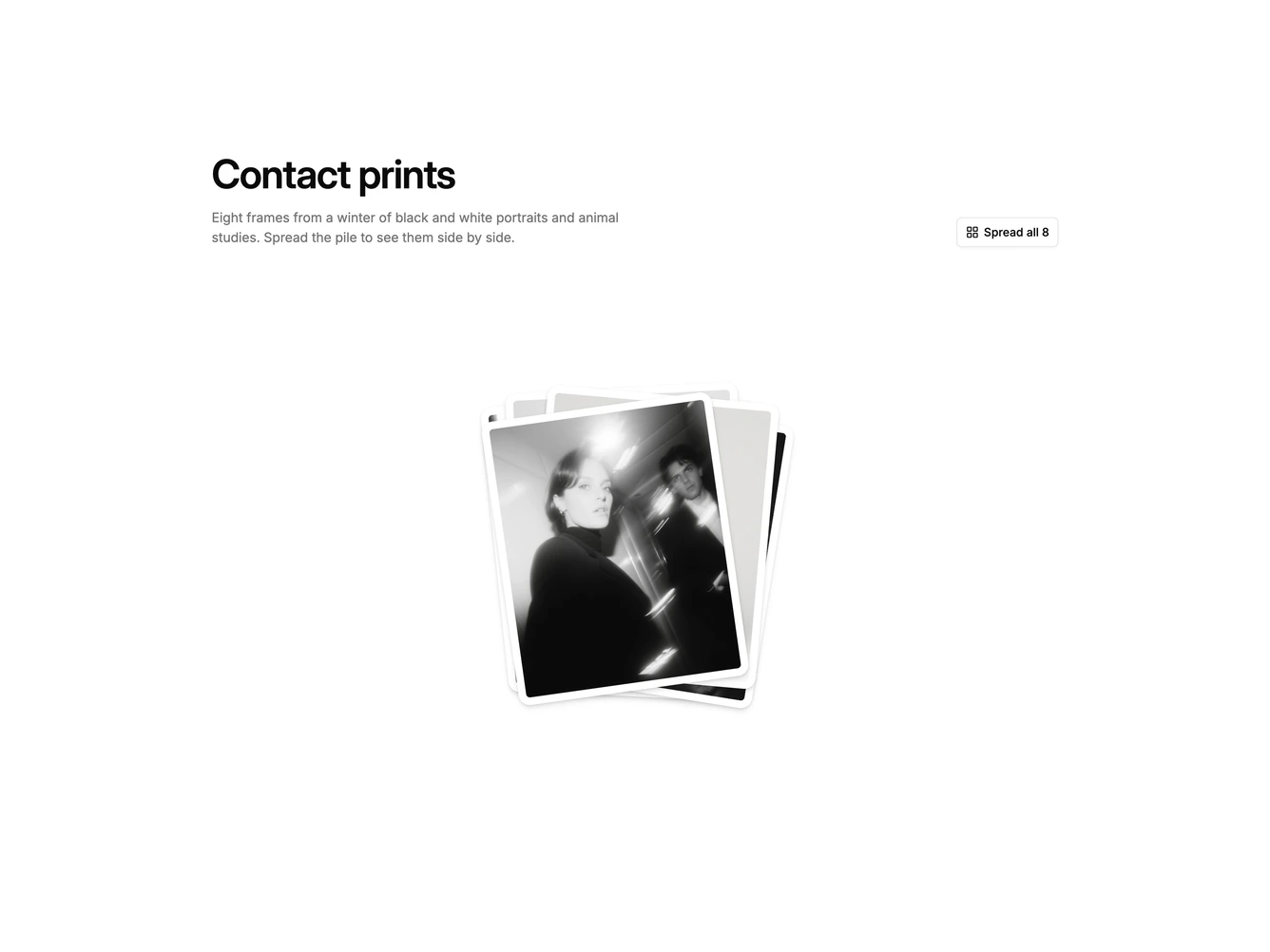
Gallery100 starts as a loose pile of photographic prints in a shadcn/ui gallery section. A heading and description sit on the left with a single toggle button on the right, and below them the photos lie stacked in the middle of the section, each one turned and nudged slightly so the edges of the prints underneath show.
Pressing the button, or clicking the pile, deals the prints out into a grid of two columns on mobile and four on larger screens. Every photo glides from its spot in the pile to its place in the grid while straightening up. The pile sits inside the space the grid takes up, so the heading and anything around the section stay put. Pressing the button again gathers them back into the pile. The prints have a thick border in the page background colour and a soft shadow, which keeps the look close to real photo paper in both light and dark themes.
The block is minimal and gallery-like, and the pile-to-grid move is a rare touch that rewards a click without hiding any content. It works well with black and white or other unified series. It needs a set of portrait images with alt text, and is best with six to eight of them.