
Forgot Password 3 block design & features
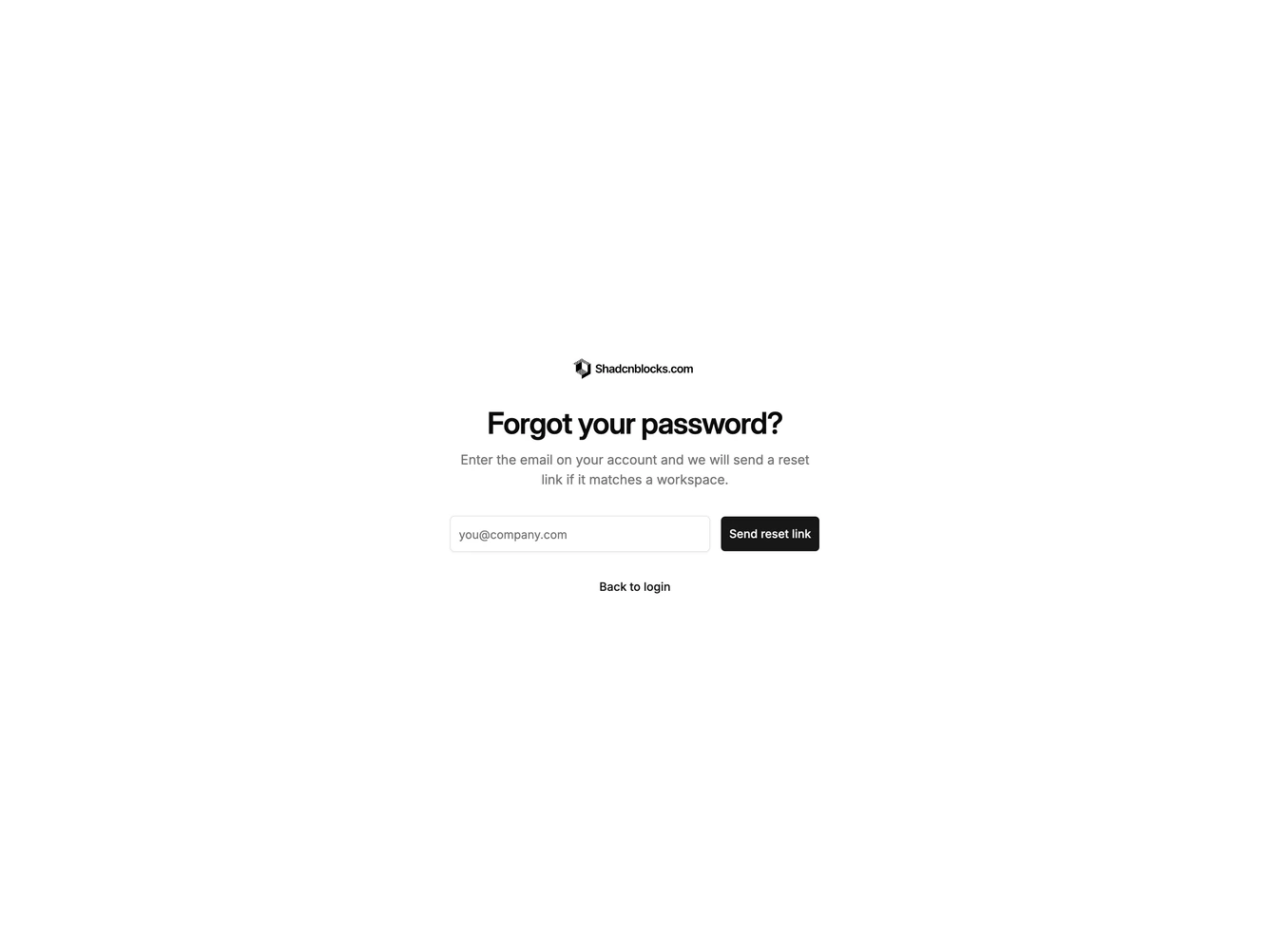
ForgotPassword3 is a minimal full-screen recovery layout built with shadcn/ui. A logo sits above a large centered heading and a short paragraph. The email field and send button share one row on wider screens, with a back-to-login link underneath.
There is no card chrome. The section uses a plain background and lots of leftover space so the heading dominates. The inline control row is the only dense cluster.
The look is spare and contemporary, closer to a marketing capture than a boxed admin form. Complexity stays very low because there is a single field and no side imagery.