
Forgot Password 2 block design & features
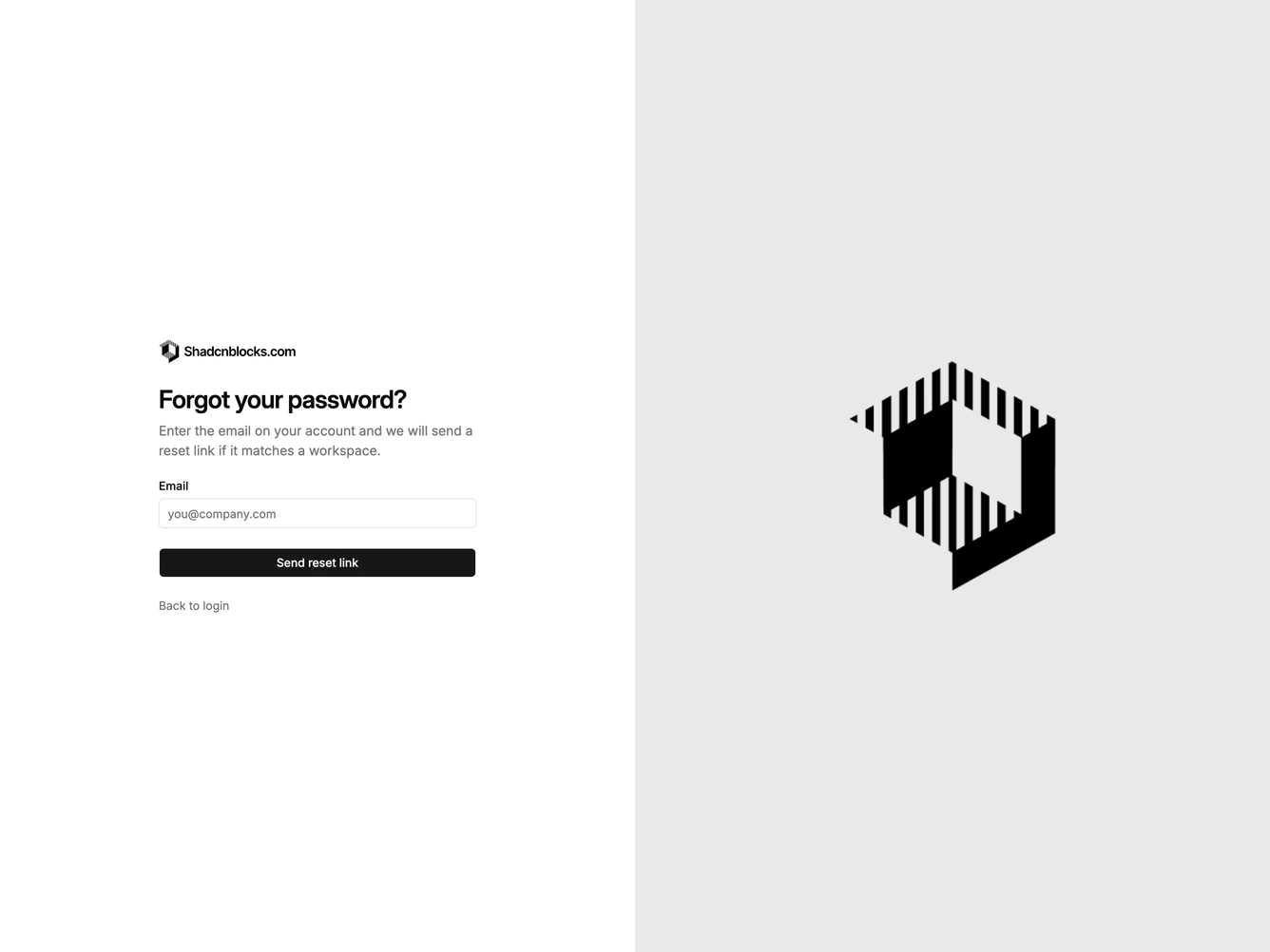
ForgotPassword2 is a split recovery screen built with Shadcn UI. The left column holds a logo, a large heading, supporting copy, a labeled email field, and a send-link button. The right column is a full-height photograph that hides on small screens.
The form sits on a plain background with generous left alignment. The image column is a muted well that the photo covers edge to edge. Typography steps up to a large heading so the copy column feels editorial rather than boxed.
The layout is a familiar split auth pattern with a quieter form than a centered card. Complexity is moderate and mixed: the photograph does the visual work while the form stays code-driven.