

Feature 52 block design & features
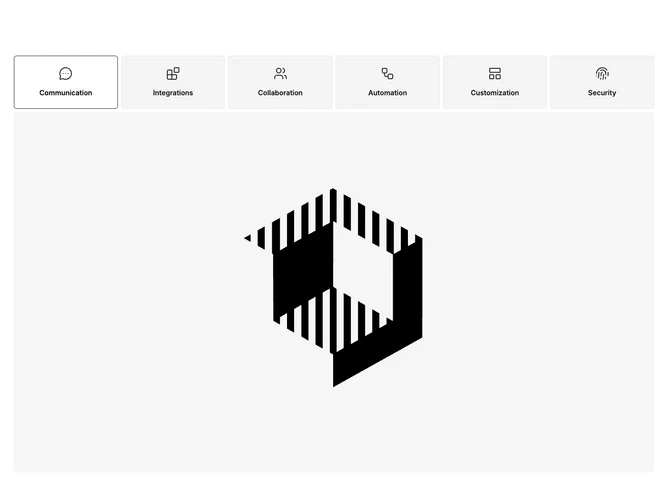
This section built with Shadcn UI wraps six topics, each with a line icon tinted to the primary color and a short title, inside a flexible tab list that spreads or wraps across the top of the module. The active tab drives a single large preview image that occupies the width of the content area, so the section behaves like a condensed capability rotisserie. Icons scale up slightly on large screens to match the roomy tab targets.
Backgrounds stay flat and neutral while primary color only accents the glyphs, keeping the focus on the photography. Tabs use light separation between targets and wrap gracefully when horizontal space tightens. The preview image is simple and static aside from swapping source when the selection changes.
The block reads as a dense product overview suited to platforms with multiple pillars. Six parallel ideas make it more content-heavy than a three-tab demo, and you need six titles, six icons, and six images with coherent art direction. Pattern-wise it is familiar enterprise marketing rather than experimental layout.
On narrow widths the tab row may wrap to multiple lines while the image remains full width beneath, preserving the same browse-then-preview cadence.