
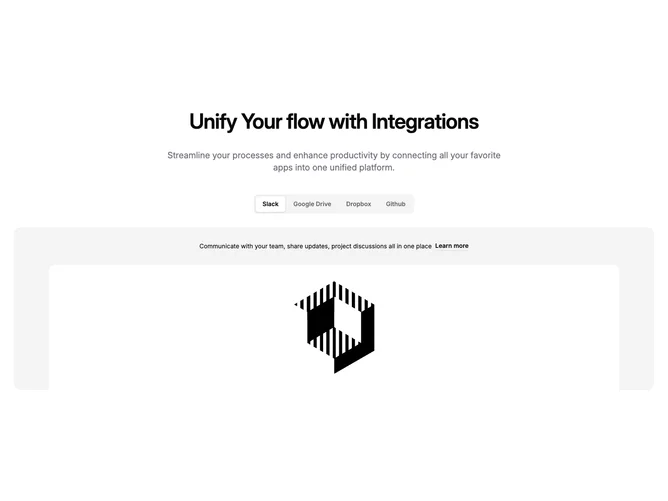
Feature 129 block design & features
Feature129 wires tab navigation built with shadcn/ui beneath a section title and subtitle so visitors compare connector stories without leaving the band. Selectors correspond to distinct integrations; activating a tab swaps body copy, a text link, and a rectangular preview image so each partner gets equal narrative weight.
Chrome stays understated with a clear selected tab state and breathing room around copy and media. Images lean illustrative or UI-in-context depending on placeholders. Interaction focuses on tab changes rather than nested widgets inside the panel.
Tone reads professional and marketplace-adjacent: informational more than playful. It is more elaborate than a logo strip because every tab carries a miniature landing narrative plus art. You need credible names, blurbs, outbound links, and visuals per integration.
On narrow widths tabs may scroll or wrap while the active panel stacks content legibly underneath.