

Feature 106 block design & features
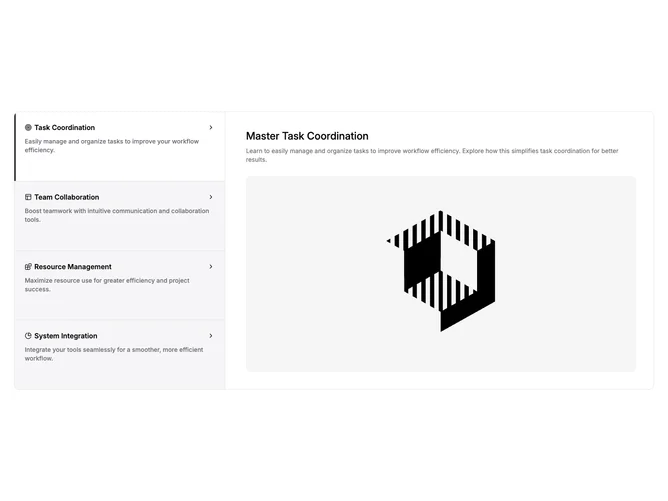
Feature106 presents four feature stories using Shadcn UI accordion and tabs so layout tracks viewport width. On small screens the whole block is an accordion inside a rounded bordered shell: each item shows an icon, bold header, excerpt in muted text, and expands to an inner card with a secondary title, paragraph, and bordered aspect-video image. On large screens the same data maps to a grid where a vertical line-style tab list occupies one column and the active story fills two columns with larger title text and the same image treatment.
Muted panel backgrounds separate the rail from the detail area; an active tab picks up a solid background and a thin primary vertical bar on the left edge. Chevron indicators sit at the end of each desktop trigger row. Corners stay rounded on inner cards and images, with consistent border hairlines between stacked triggers.
The pattern is familiar enterprise-SaaS documentation energy: scannable list on the left or stacked items on mobile, depth on the right when space allows. It is more elaborate than a static bullet grid because every row carries excerpt plus long-form copy and media.
Accordion mode keeps thumb reach in mind; the desktop split avoids cramming long copy beside a cramped rail. Expect text-heavy content if you mirror the sample structure.