
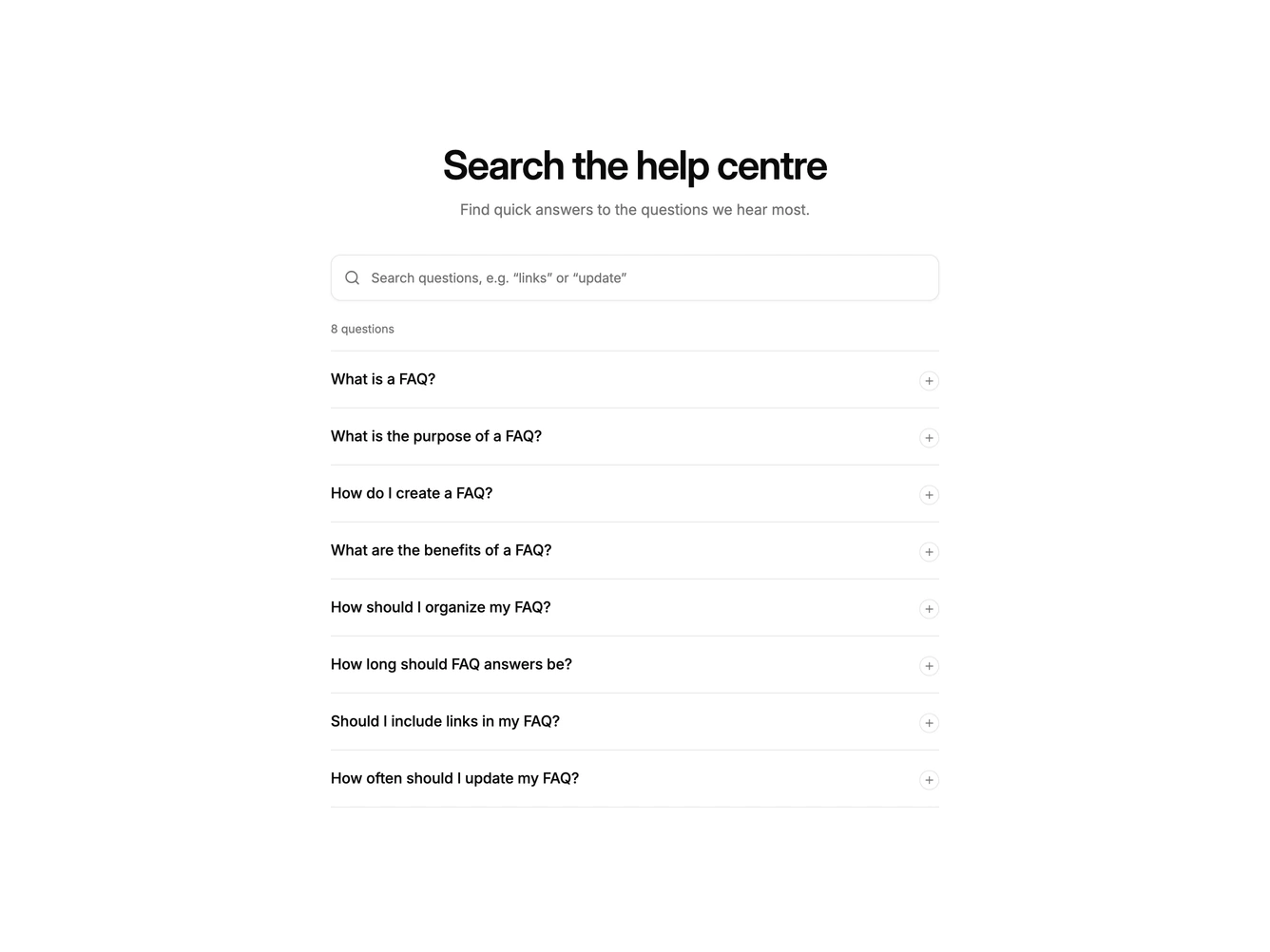
Faq 35 block design & features
The block puts a large search field under a centred heading. Typing filters the list live, matching against both questions and answers, and a polite live region announces how many results were found. A clear button appears inside the field once there is a query.
Matching text is wrapped in mark elements styled with a tint of the primary colour, in both the question and the answer. If a query only matches an answer, that item opens automatically so the highlight is visible. Each item is a button with aria-expanded and a plus icon that swaps to a minus.
When nothing matches, a dashed empty state shows the query, a short suggestion, a clear search button and a link to support.
On mobile the layout stays a single column and the search field keeps its full height for easy tapping.