Faq 30 block design & features
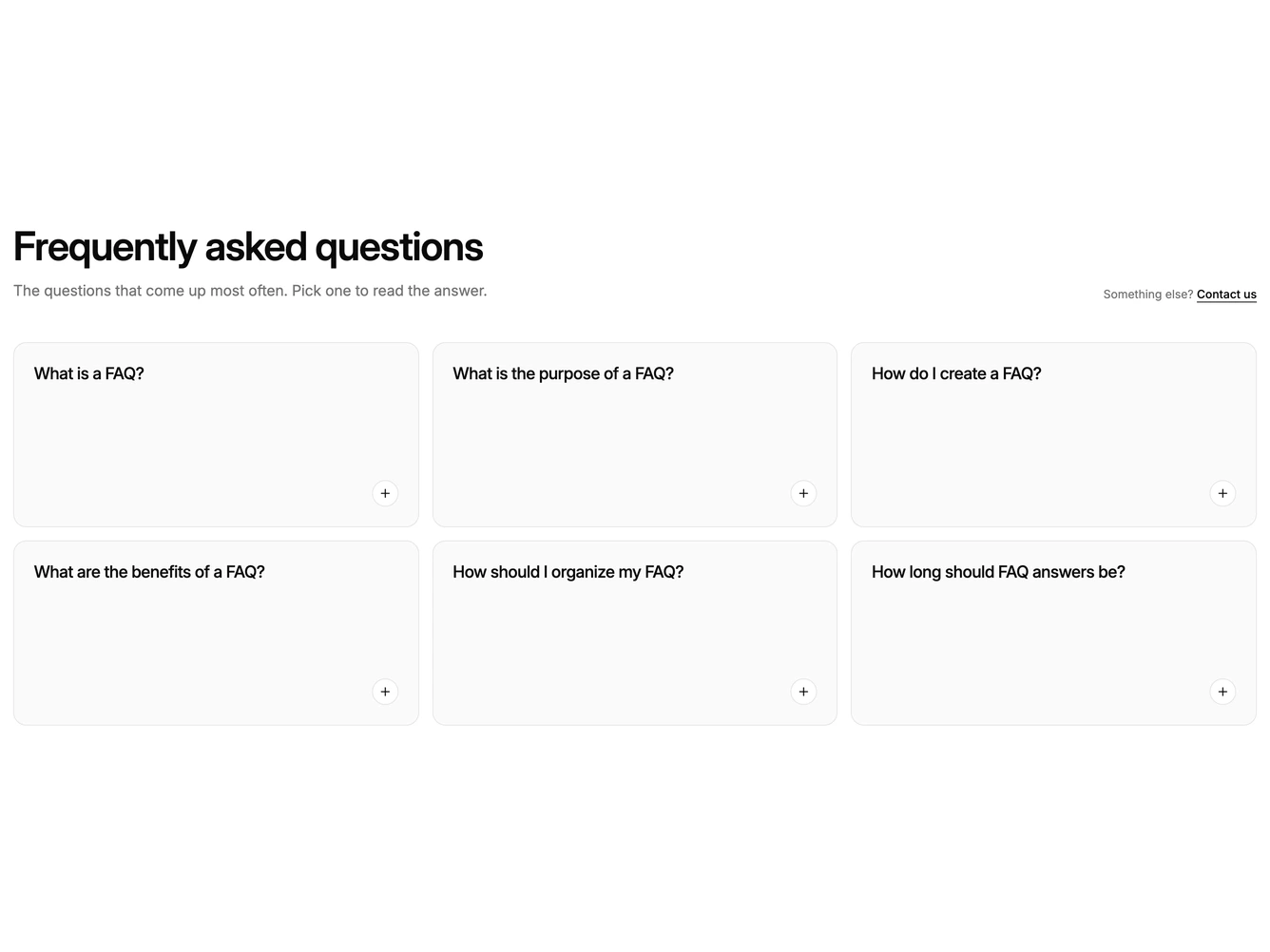
The block lays out FAQ items as a grid of rounded cards. A heading and short intro sit above the grid, with a contact link aligned to the right on desktop.
Each card is a real button in a muted fill showing the question and a small plus button in the corner. Clicking it crossfades the question out and the answer in, switches the plus to a minus and lifts the card to the background colour. Clicking again swaps it back. The button carries aria-expanded, so the swap works from the keyboard and is announced to screen readers. Several cards can be open at once.
On mobile the cards stack in a single column, moving to two columns on tablets and three on desktop.