
Ecommerce Navbar 3 block design & features
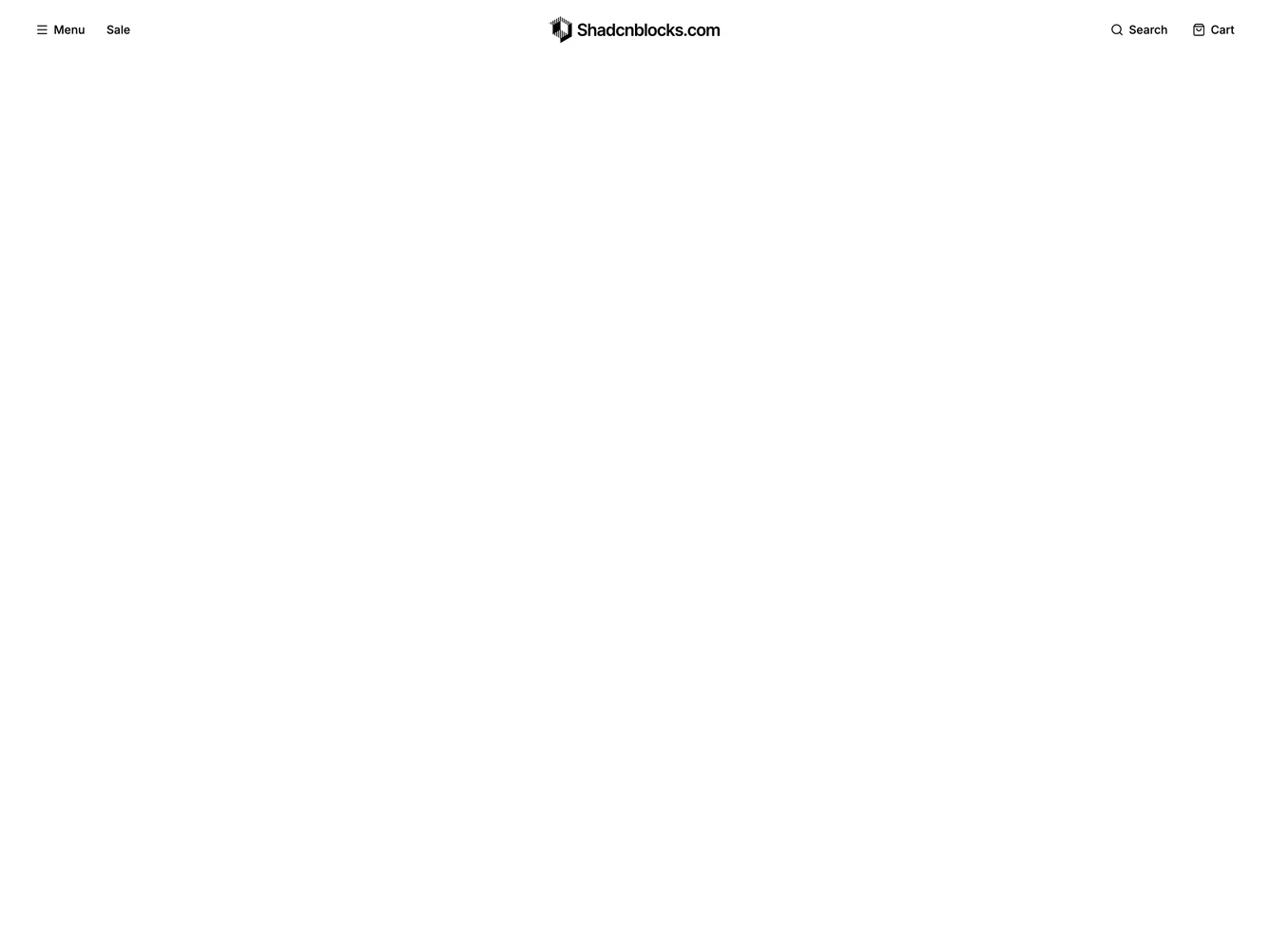
The navbar has a Menu button and a Sale link on the left, the logo in the center and Search and Cart buttons on the right. It is built with shadcn/ui using Dialog, Sheet and Tabs.
Menu opens a full-screen overlay with Login and Sign up buttons at the top, a featured promo card beside columns of category links, and a muted footer strip of help links. Search opens a panel from the top with a search field, a link to advanced search and a small carousel of popular searches with images. The links, menu groups, featured card, help links and popular searches are props.
On mobile the navbar shrinks to a menu icon, the logo and Cart. The menu overlay gains a search field and switches the category groups to tabs, with a vertical list of group names beside the selected group's links.