Download 24 block design & features
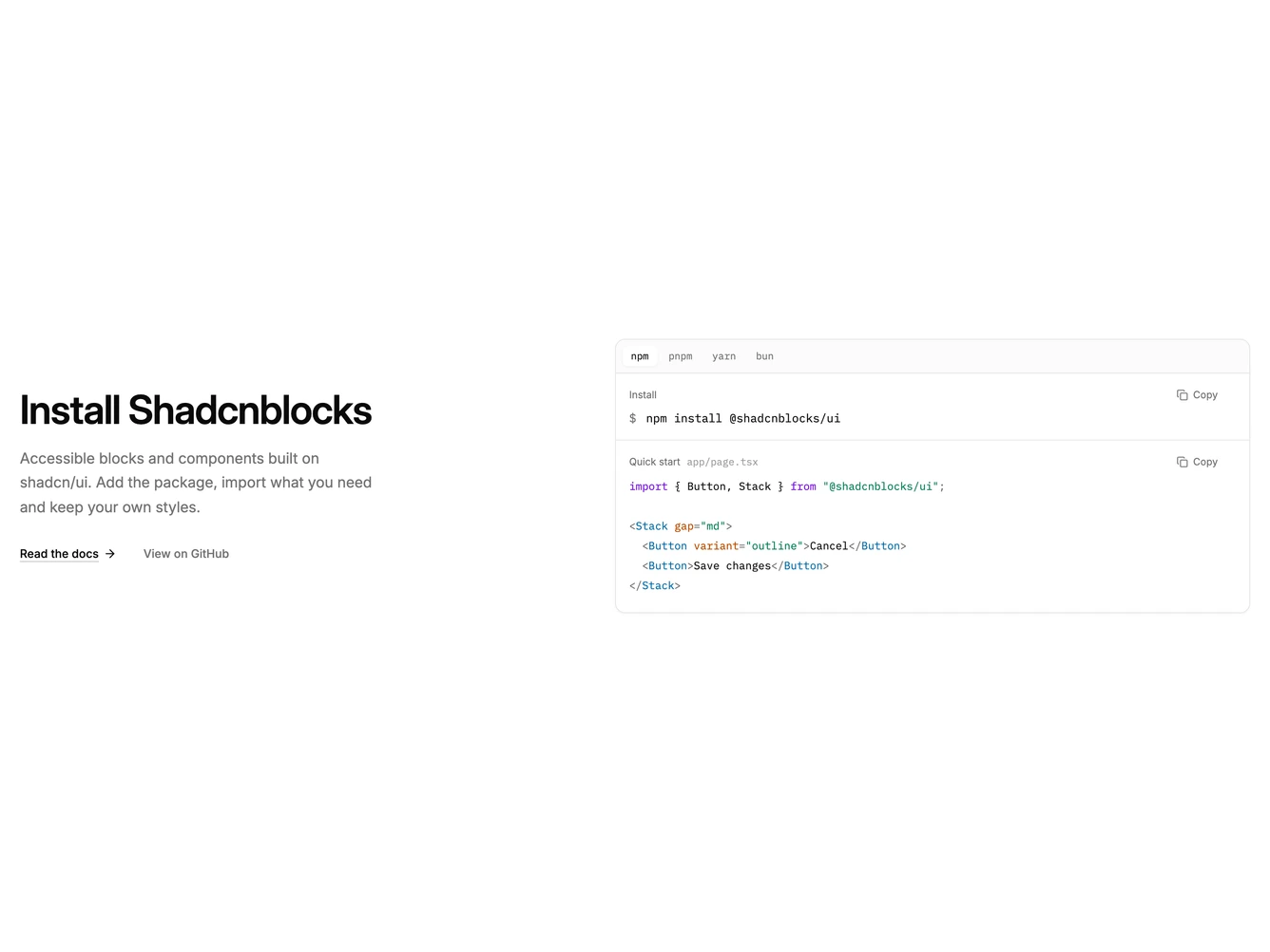
The block splits a developer install section in two. On the left sit a heading, a one-line pitch, an underlined docs link and a quieter GitHub link.
On the right, a light code window starts with npm, pnpm, yarn and bun tabs. Picking one swaps the install command below. Under that, a quick start panel shows the import line and a short usage example, with keywords, strings, tags and attributes softly tinted.
The install command and the snippet each have their own copy button. A button shows Copied with a check for a moment, and a live region announces which one was copied.
On mobile the columns stack, and long commands or code lines scroll sideways inside the window instead of widening the page.