
Data Table 29 block design & features
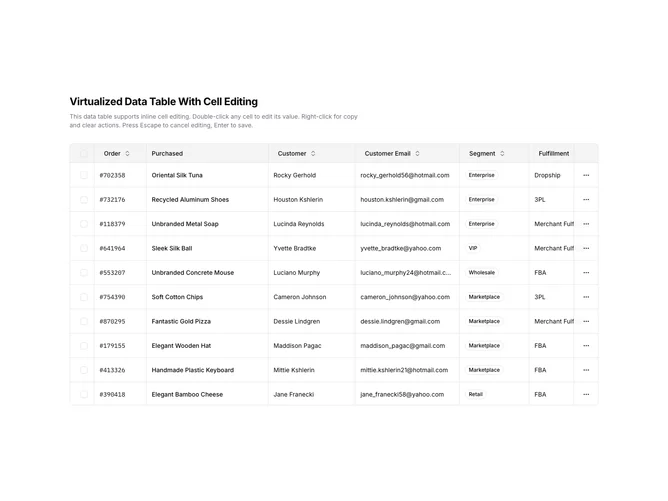
DataTable29 is a left-aligned section featuring a heading, descriptive text, and a virtualized data table with inline cell editing. Double-clicking a cell activates edit mode with the appropriate input type (text, number, select, or textarea). Right-clicking opens a context menu with options to copy, paste, or reset cell values. Sortable column headers are included.
Light background with dark text. The table has a thin border with rounded corners. Cells in edit mode display inline inputs that match the cell's data type. The context menu appears on right-click with action items. Sticky headers keep column names visible during scroll. Toast notifications confirm clipboard actions. Static layout with smooth virtual scroll and edit transitions.
This is a data table designed for direct data manipulation. The inline editing with multiple input types allows users to modify data without separate forms. The most distinctive feature is the double-click-to-edit functionality with context menus, making it ideal for admin panels, CMS interfaces, or any application requiring direct data entry.