
Dashboard 29 block design & features
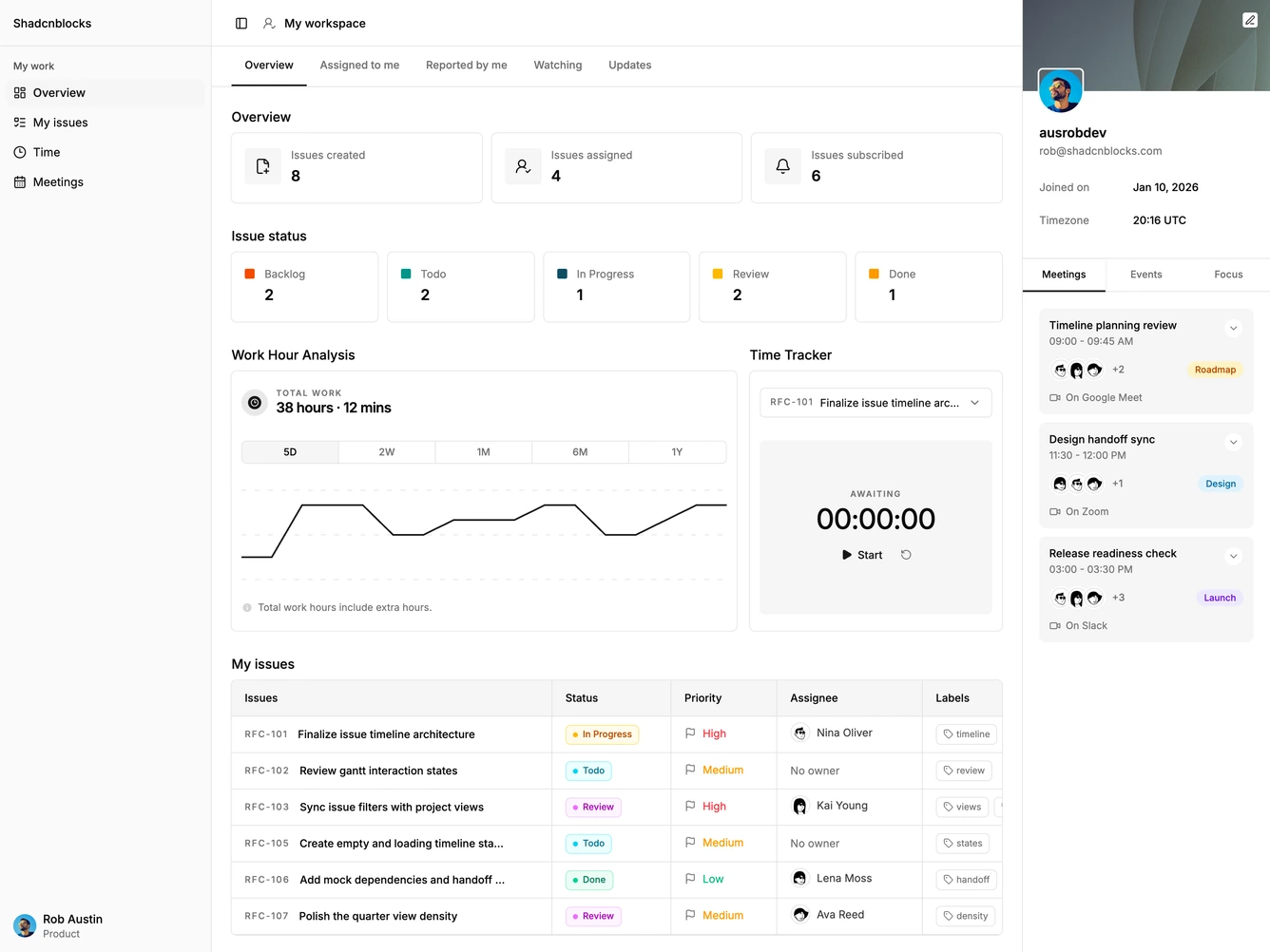
Dashboard29 is a personal project workspace built with shadcn/ui. A left sidebar lists overview, issues, time, and meetings, with Overview selected. The main column opens on My workspace, then workload stats, a work-hour chart with a range switch, a running timer, and an issues table. A profile panel on the right holds meetings and a summary, and collapses into a sheet on smaller screens.
Cards use hairline borders and a flat background. Status badges and priority marks sit in the issue rows. The timer uses play, pause, and reset actions. The sidebar is a short product nav for this workspace, with the signed-in person pinned at the bottom.
This is an elaborate operator view for one person's work, not a company-wide report. The combination of a live timer, a work-hour chart, and an assigned-issues table is the distinctive story. Most of the complexity is the table, the chart ranges, and the timer state.
On smaller screens the profile panel moves into a sheet, the issue table scrolls sideways, and the sidebar collapses to icons behind a header trigger.