
Contact 53 block design & features
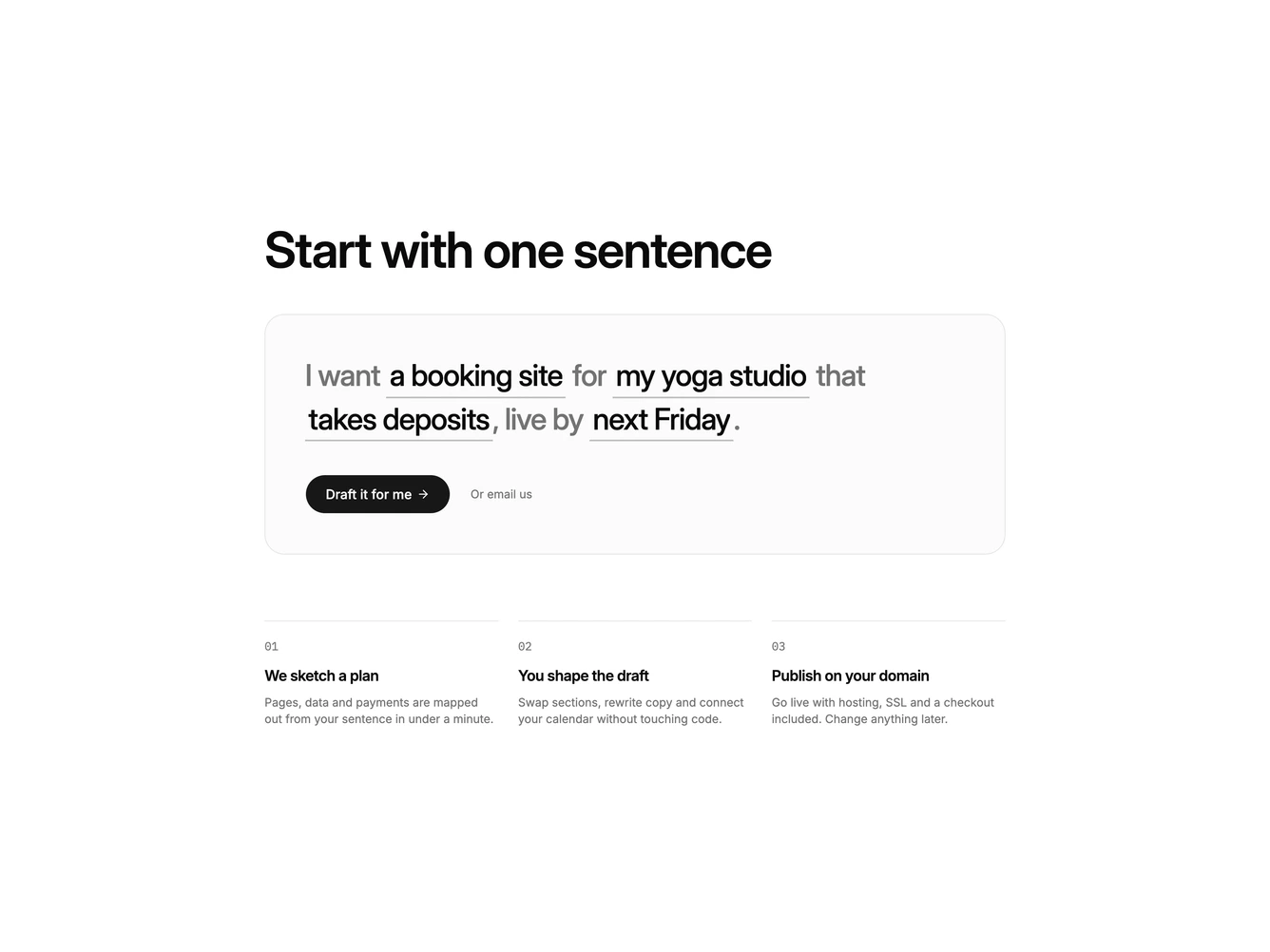
The block asks visitors to describe their project in a single sentence. The sentence is set in large type inside a soft card, and each blank is a real text input with an underline that grows and shrinks with whatever is typed, so the line keeps reading naturally.
Submitting the sentence swaps the Shadcn UI Button into a drafting state with a spinner, then marks it ready. A plain text link beside it offers to email the team instead.
Three numbered steps underneath explain what happens next. When a draft starts, the line above each step fills in turn and finished steps gain a check mark, tying the steps to the action above them.
On mobile the sentence wraps across several lines, the inputs stay inline, and the steps stack into a single column.