
Contact 51 block design & features
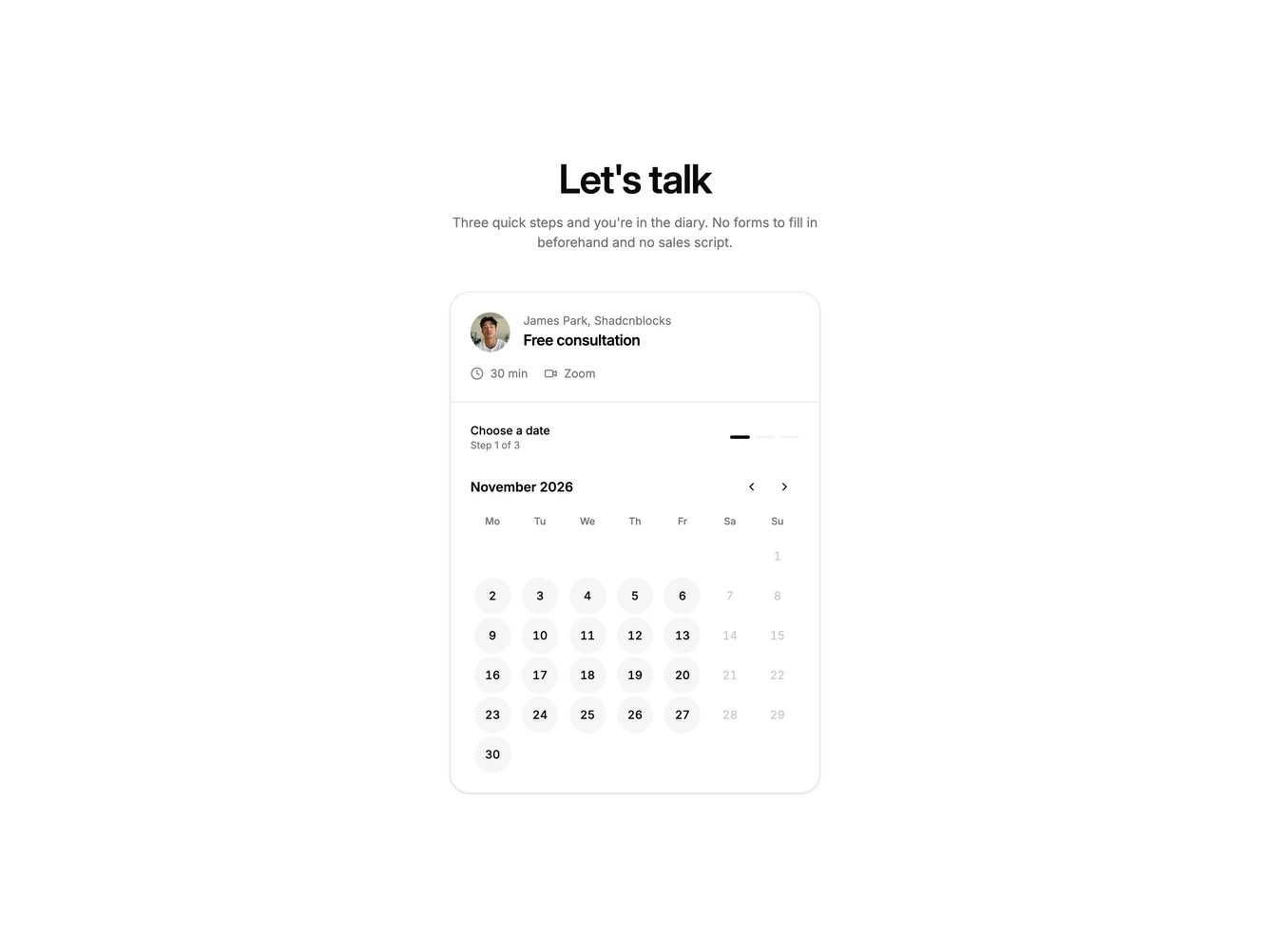
The block is a single narrow booking card in the style of a scheduling page. A short centred heading sits above it, and the card header shows the host's photo, name and company, the meeting title, length and location.
Only one step is visible at a time. Step one is a month calendar, step two is a list of times for the chosen date, and step three asks for a name, email and optional notes. A step indicator shows progress, a back button returns to the previous step, and choosing a date or time moves forward on its own.
The details form checks the name and email before confirming and shows inline messages when something is missing. The confirmation repeats the date and time and offers an Add to calendar button that downloads an .ics file built in the browser.
The card keeps the same narrow layout on every screen size, so it works equally well on mobile.