
Checkout 14 block design & features
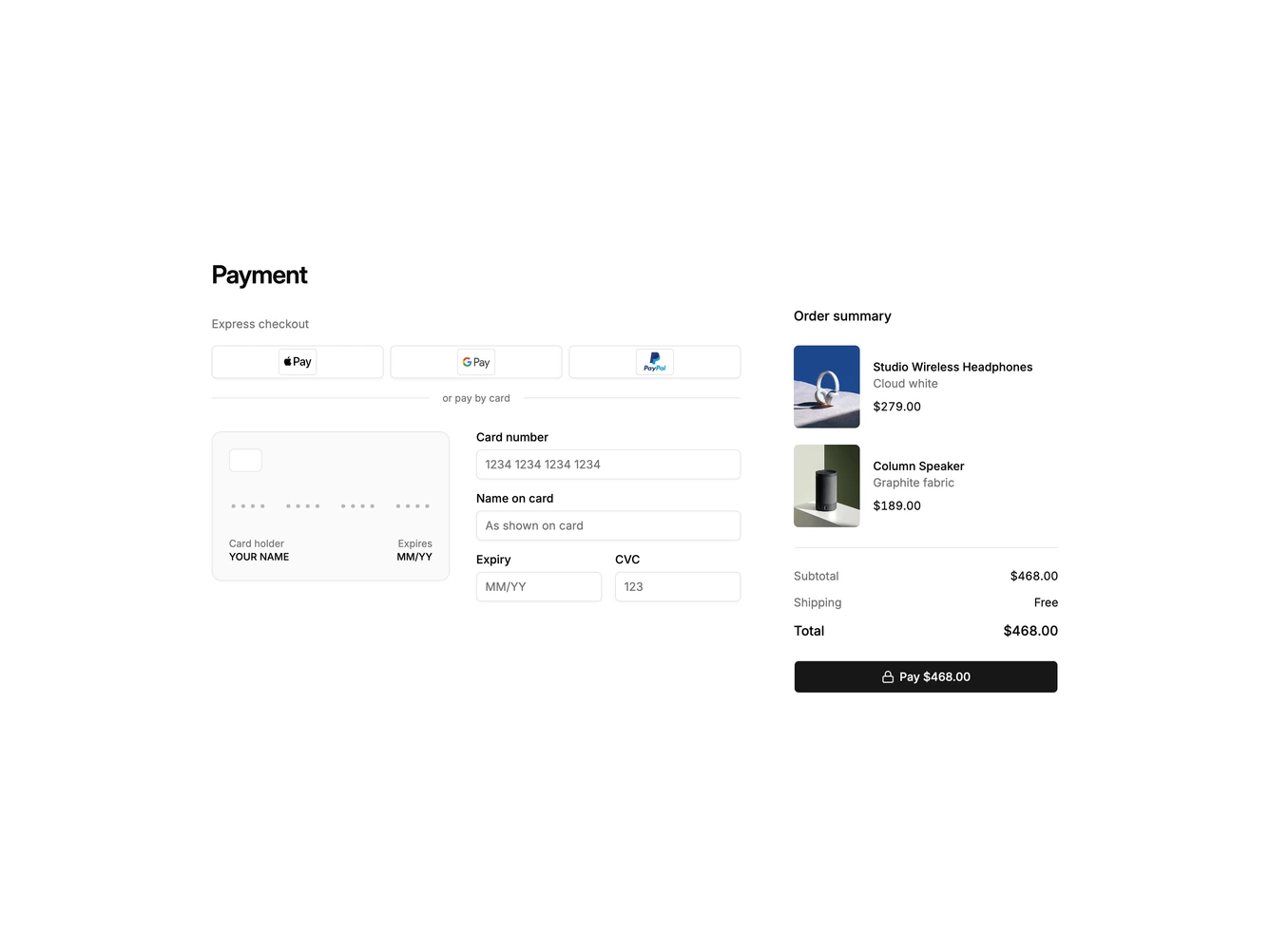
A payment checkout step made with shadcn/ui. The main column starts with a heading and an express checkout row of three outline buttons with Apple Pay, Google Pay and PayPal logos, then a divider reading or pay by card. Below that, a card-shaped preview sits beside fields for card number, name on card, expiry and CVC, while an order summary column lists products with portrait photos, subtotal, shipping, total and a pay button showing the amount.
Typing a card number groups the digits in fours and fills the preview from left to right, with placeholder dots for digits still to come, and the matching Visa, Mastercard or American Express logo fades in once the number identifies the brand. The name and expiry fields write straight onto the preview in uppercase and slashed month and year formats. The preview is a flat, lightly tinted card with a hairline border and a simple chip outline rather than a glossy dark card, and the logo fade respects reduced motion.
The block feels trustworthy and tactile, borrowing the live card mock-up from mobile wallets and pairing it with a restrained form, which makes it more memorable than a plain payment form. It is moderately complex and code-driven, needing only product photos and payment logos. On narrow screens the preview stacks above the fields and the summary drops below the payment section.