
Checkout 13 block design & features
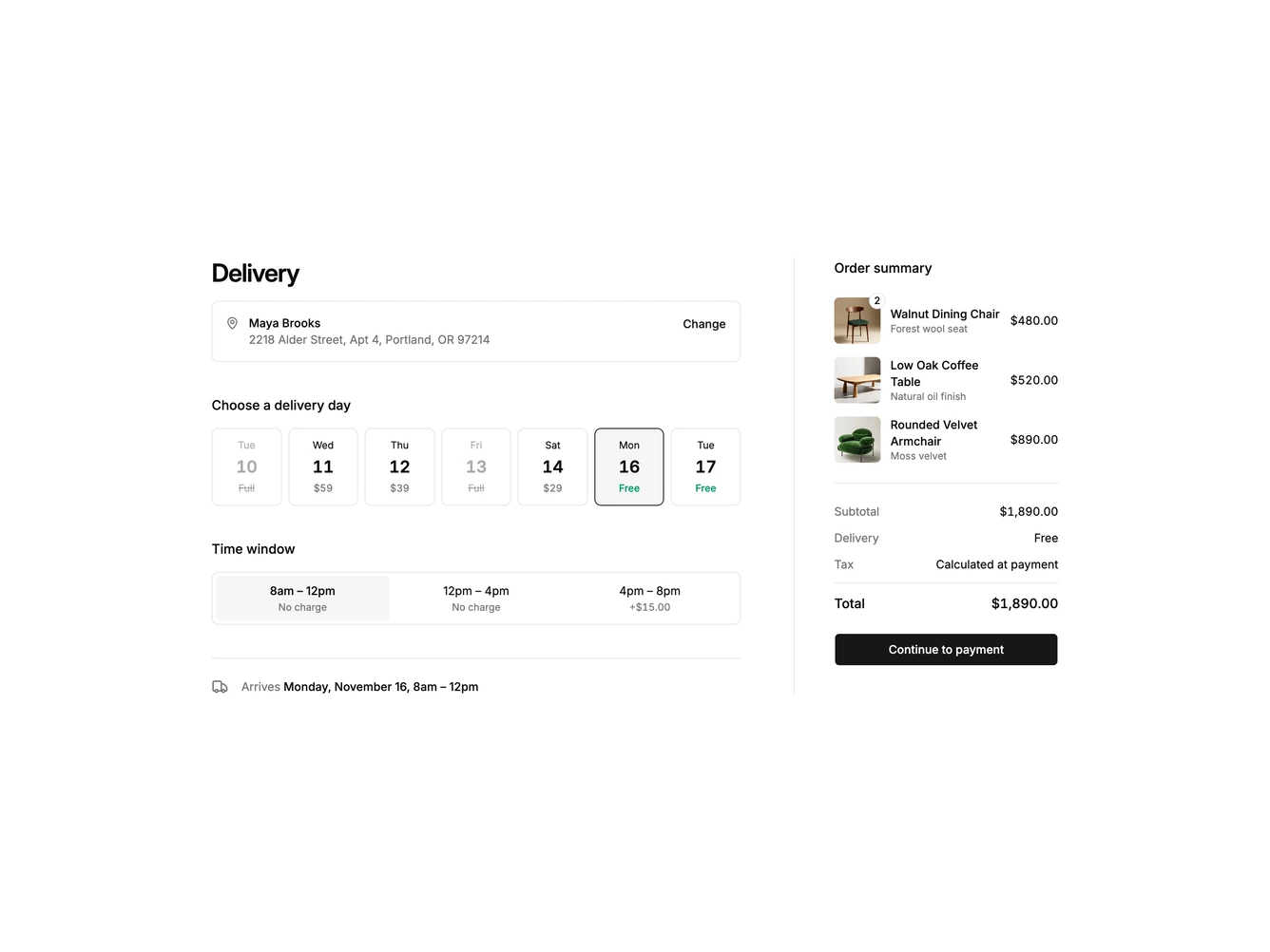
A delivery scheduling checkout step built with Shadcn UI. The main column shows a heading, a bordered address card with a Change link, a row of seven date tiles with weekday, date number and price, and a three-part time window selector. An arrival line sits underneath, and an order summary column on the right lists furniture items with square photos and quantity badges, then subtotal, delivery, tax note, total and a continue button.
Each date tile carries its own delivery price, from a premium for the soonest slots to free delivery further out, and fully booked days are struck through and cannot be chosen. Picking a day or a time window updates the arrival line, which fades in with the new date and window, along with the delivery charge and total in the summary. The tiles use a border and muted fill for the selected state, the free dates are marked in green, and transitions are skipped when reduced motion is preferred.
The step feels practical and service-minded, in the style of large-item and grocery retailers that book a delivery slot before payment, which is a distinctive alternative to a list of shipping methods. It is moderately complex and data-driven, needing a set of dates with prices and a few product photos. The date row wraps to four per line on phones and the summary moves below the scheduling controls.