
Accept Invite 6 block design & features
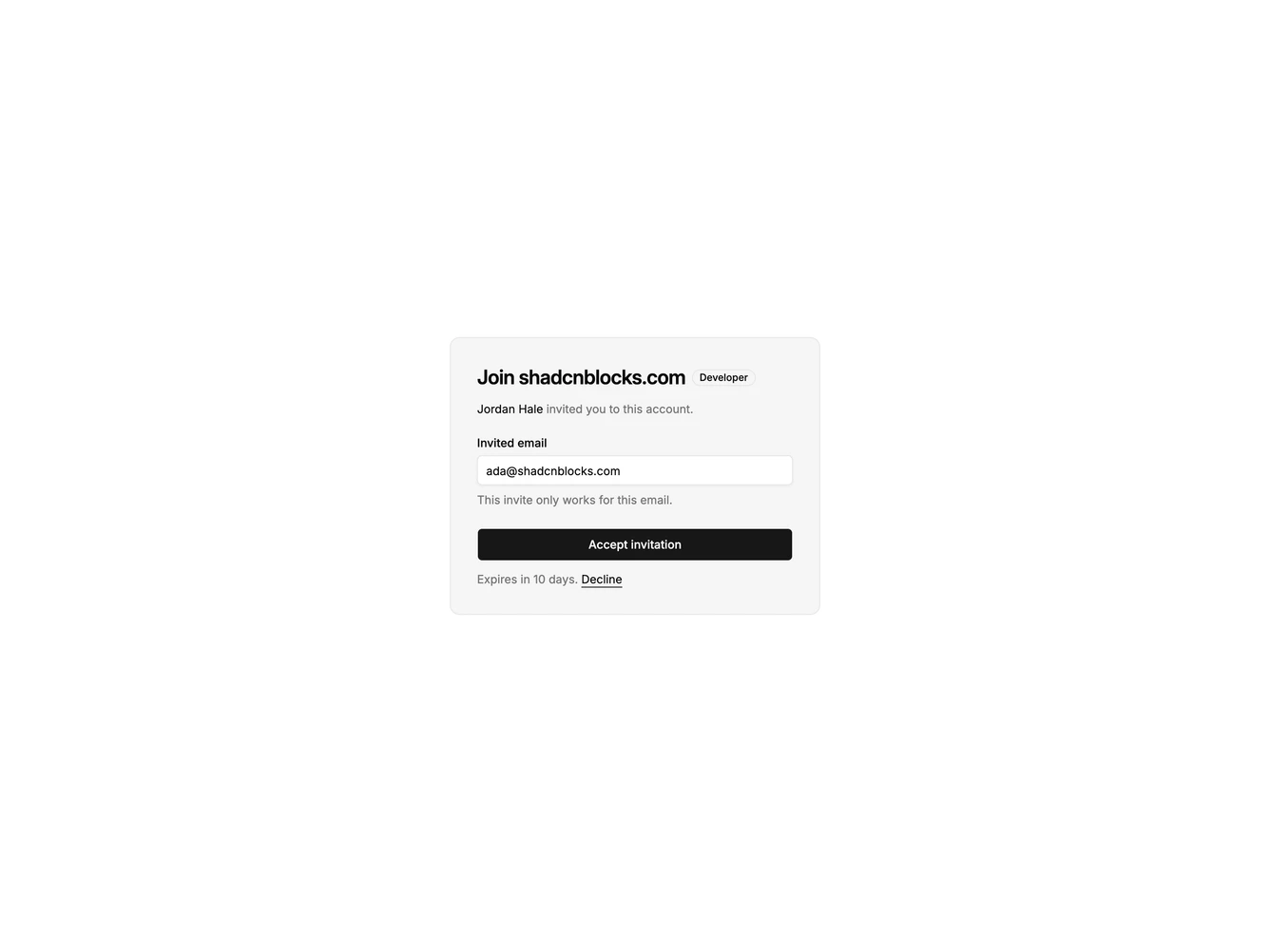
AcceptInvite6 is a narrow account invite built with Shadcn UI. The account name and a role badge share the first line. Under that, the inviter is named, then a read-only email field shows the address the invite is locked to, with a one-line note that it will not work for any other address. A full-width accept button and a decline link in the expiry line close the card.
The invite sits in a muted card with a hairline border on the default page background. The email field uses the background fill so it reads as a control on the muted surface. The role is an outline badge, small beside the heading. Text is left aligned. There is no portrait, icon list, or split column.
This is the moment you confirm the invite matches the account you are holding. The email is shown, not collected. It is a simple block. It needs an account name, a role, an inviter, and the address the invite was sent to.
The card stays a single narrow column at every width.