
Accept Invite 5 block design & features
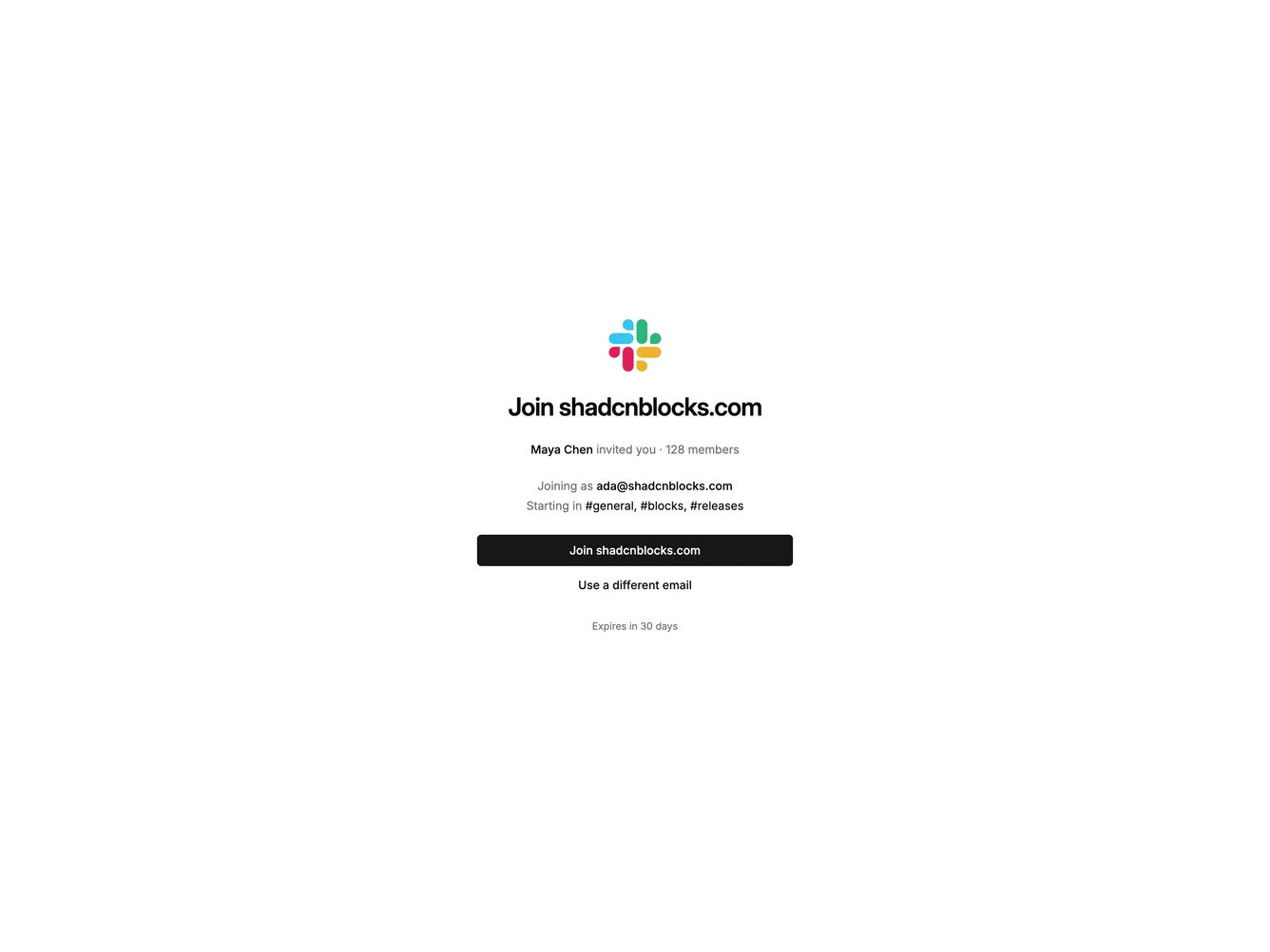
AcceptInvite5 is a full-page workspace join built with shadcn/ui. The Slack icon sits above the invite to join shadcnblocks.com. Under that, one line names who sent the invite and how many people are already in, then the email the invite is bound to and the channels you will start in. A full-width join button is followed by a link to use a different email, and a short expiry line.
The page is centered on the default background. There is no card, shadow, or split column. The Slack icon is shown at its own color, without a tile behind it. Type stays in the default sans, with the workspace name as the only large line. The join button carries the weight, and the alternate email action is a link.
This is a plain account transaction. The decision is whether this email should enter this workspace, and the channels make the landing spot specific. It is a simple block. It needs a workspace name, an address, an inviter, a member count, and a few channel names.
The column stays narrow on every width, so the button and the lines keep the same measure from a phone up.