
Accept Invite 4 block design & features
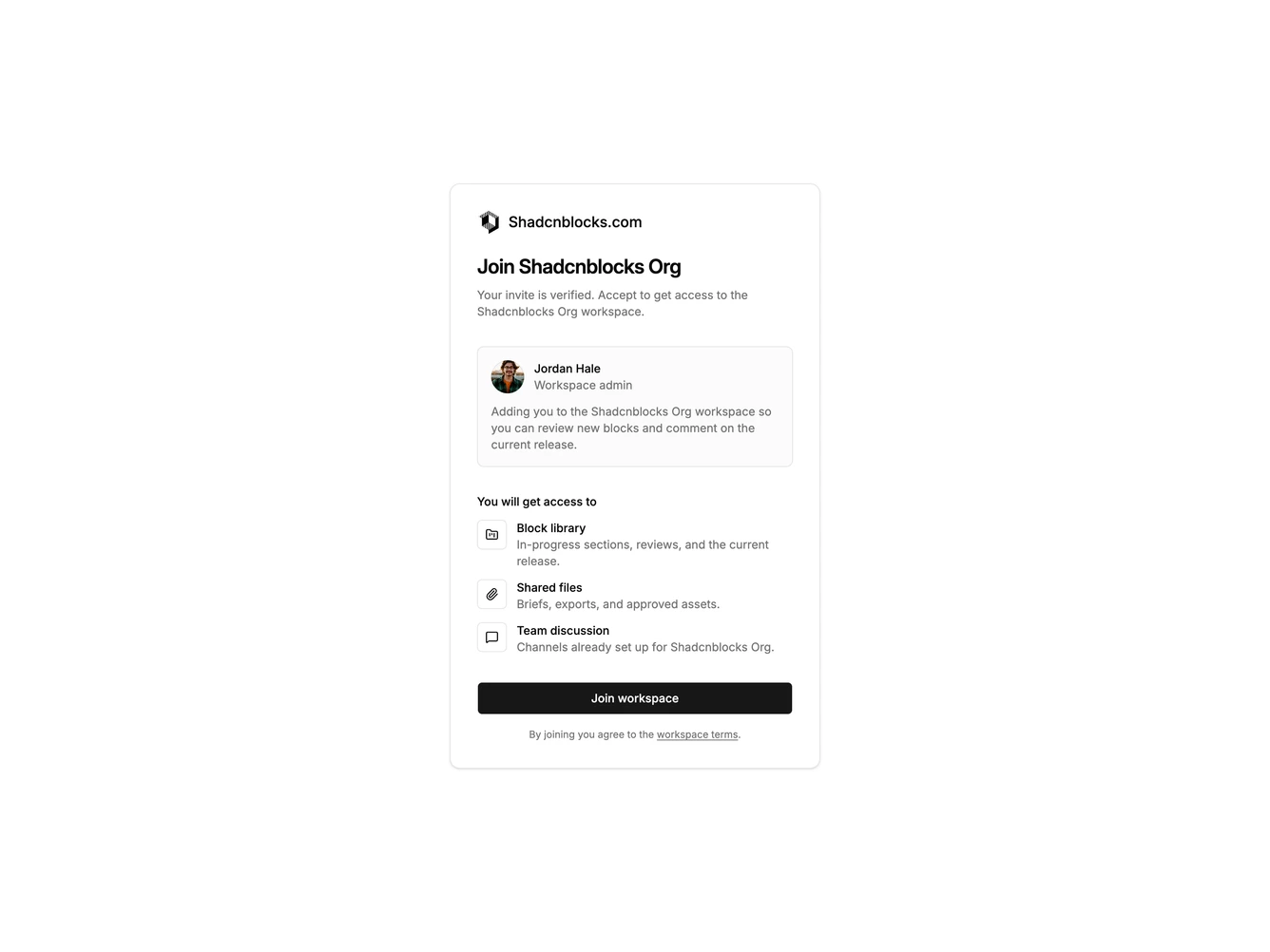
AcceptInvite4 is a centered accept-invite card built with Shadcn UI. A Slack icon and shadcnblocks.com sit at the top, followed by a heading and short confirmation copy. Below that is an inviter panel with avatar, name, role, and a personal note, then a list of workspace areas the guest will receive. A full-width join button and a terms link close the card.
The invite is encapsulated in a muted card on the default page background. The inviter panel and icon tiles sit on the background fill, with thin borders, so they stay readable inside the muted card. Spacing is compact but even, with the heading carrying most of the weight and the access rows staying small and scannable. The layout is static.
This is a simple, focused confirmation with a shadcn-default look. The access list makes it more than a bare accept button without turning it into a full onboarding wizard. Content-driven more than decorative: it needs an inviter portrait, a short note, and three concrete access lines to feel finished.
The card stays a single narrow column on all breakpoints and does not split into a two-pane layout.