
Every shadcn/ui block and component now has a Prompt tab in the toolbar, next to Preview and Code. Open it to copy a ready-to-paste prompt for Cursor, Claude Code, v0, or any coding assistant.
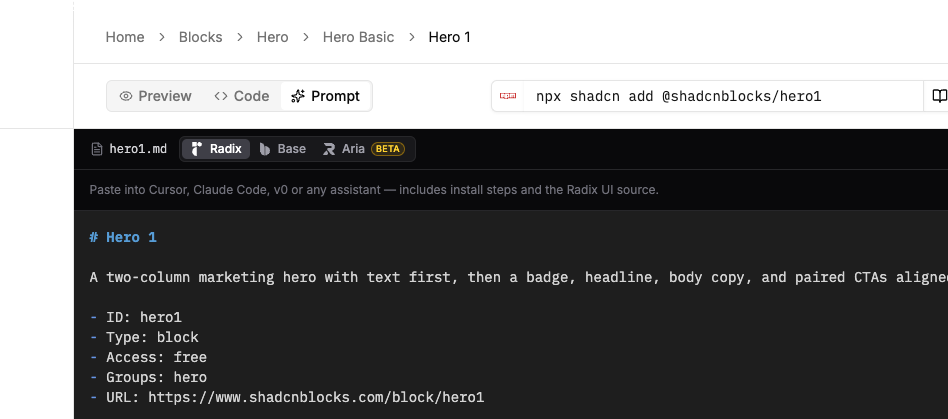
What you get
- Install steps — the shadcn CLI command plus the
components.jsonregistry snippet - Source for the library you picked — Radix, Base UI, or React Aria, in the current preview style
- A concrete task — add the item to the current project and render it without changing the design
- Copy, download, or chat — copy the full prompt, save it as markdown, or open a ChatGPT / Claude chat with the install instructions
Same access rules as the Code tab: free items are open, paid items unlock with your plan.