
Integration 5 block design & features
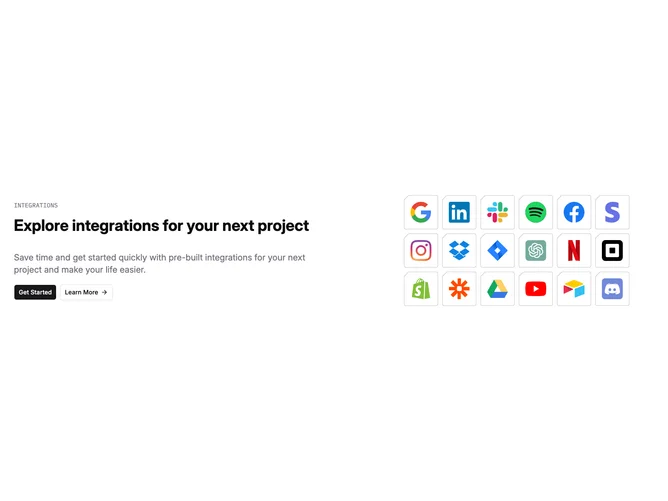
Integration5 is a two-column section with text content on the left and an icon grid on the right. The left column contains a monospace label, a bold heading, a paragraph, and two shadcn/ui Buttons (primary and outline with an arrow icon). The right column displays eighteen integration logos arranged in a wrapped flex grid, each placed inside a custom SVG border frame shaped like a beveled square.
Each logo tile uses an inline SVG as a decorative border drawn in muted foreground color, with the logo image absolutely positioned in the center. The left column text uses monospace for the label and standard sans-serif for the heading and body. Buttons sit side by side below the descriptive text. Spacing between the two columns is generous.
The beveled SVG frame gives the icon tiles a distinctive, slightly technical appearance that sets this apart from a simple grid of logos. The combination of monospace label and geometric frames creates a developer-oriented aesthetic. Moderate complexity from the custom SVG tile treatment.
On mobile, the two columns stack vertically with the text content appearing first and the icon grid below.