
Help 1 block design & features
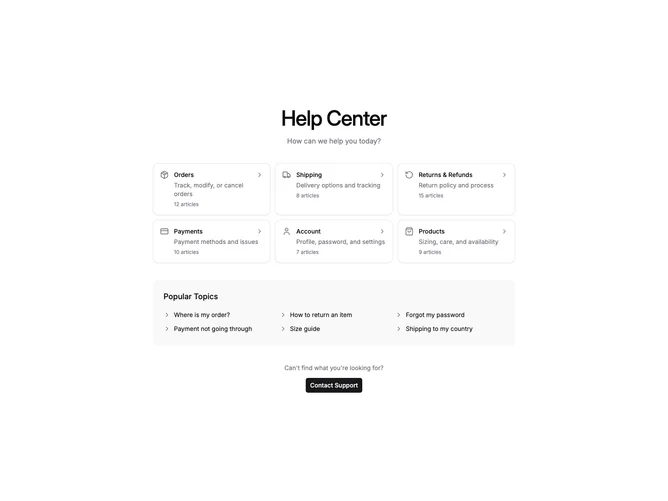
Help1 is a centered help center section built with shadcn/ui, organized as a category card grid above a popular topics list. Each category card displays an icon, title, short description, article count, and a chevron indicator inside a Card component. Below the grid, a rounded container holds clickable topic links in a multi-column layout, and a contact support Button anchors the bottom.
Cards sit on the default background with visible borders and gain a subtle muted fill on hover. Category icons render in the muted foreground color without surrounding backgrounds. The popular topics container uses semi-transparent muted fill with rounded corners. Typography stays clean with medium-weight headings and smaller muted secondary text.
The aesthetic is straightforward and browse-first, encouraging exploration through tidy category tiles and quick-access topic links. Complexity is low because the only interactive states are hover fills on cards and link highlights. You supply an array of category objects with icons, titles, descriptions, and article counts, plus a list of popular topic links.
On smaller screens the category grid collapses from three columns to two then one, and the popular topics list moves to a single column while the contact prompt remains centered at the bottom.