
Content 2 block design & features
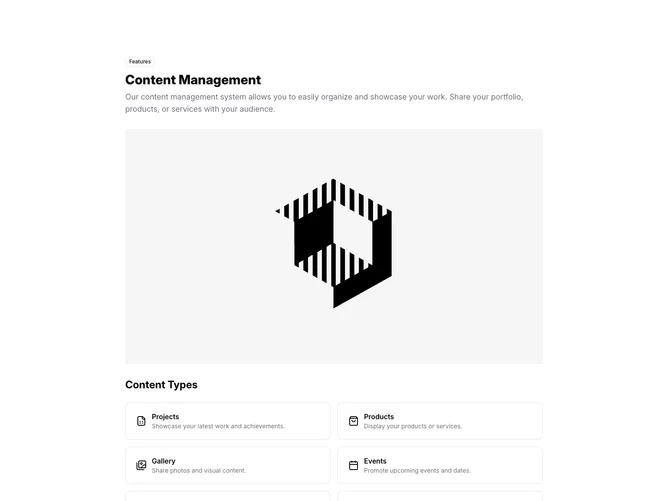
This block is an onboarding-style overview for a content workspace, built with Shadcn UI. It opens with a labeled header and intro copy, then uses a grid of tiles to represent distinct content kinds such as projects, gallery items, events, and social links, each with an icon and short line of explanation. Lower sections walk through adding and managing entries, and a lightweight alert calls out practical tips like batch uploads or templates.
The look stays in line with default surface and border tokens: white or near-white panels, hairline separators, and restrained color carried mainly by icons and small badges. Density is informational rather than sparse: several short rows of guidance rather than one hero statement. The grid reads as a feature map instead of a story, which matches a CMS or site-builder explanation page.
It skews utilitarian and product-adjacent, like settings or help content inside an app rather than a public campaign page. What makes it identifiable is the combination of type catalog plus procedural help in one scroll. Complexity is moderate because copy is arranged in multiple labeled bands rather than a single centered message; replacing it for production means supplying your own type list, steps, and tip text.
Responsive behavior should reflow the tile grid into fewer columns and stack the instructional sections so nothing depends on a fixed multi-column snapshot on phones.