
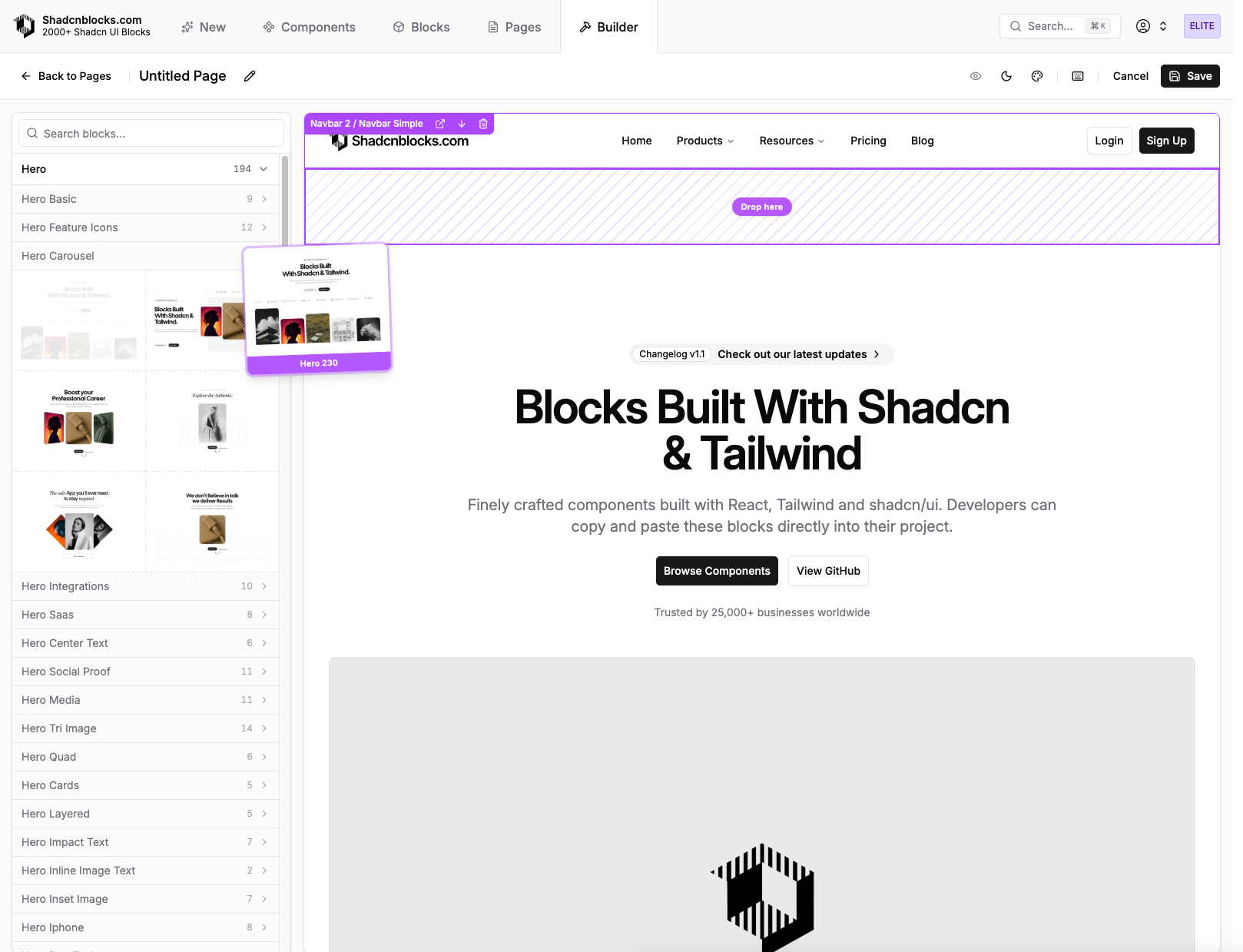
You can now compose full pages from Shadcnblocks right inside the site using The new Shadcn UI Page Builder. The Shadcn Page Builder lives in the Explorer alongside blocks and components, so you can browse library pages, open the builder, and arrange sections without leaving the workflow.
What you can do
- Browse pre-built pages — Explore pre-built pages the same way you explore blocks and components.
- Open the builder — Start from Shadcn Page Builder to create or edit a page layout: add blocks, reorder sections, and tune structure in a dedicated editor.
- Install with the Shadcn CLI — Pull page layouts into your project using the same shadcn/ui CLI workflow you use for blocks and components, so pages land in your codebase ready to extend.