
Navbar 3 block design & features
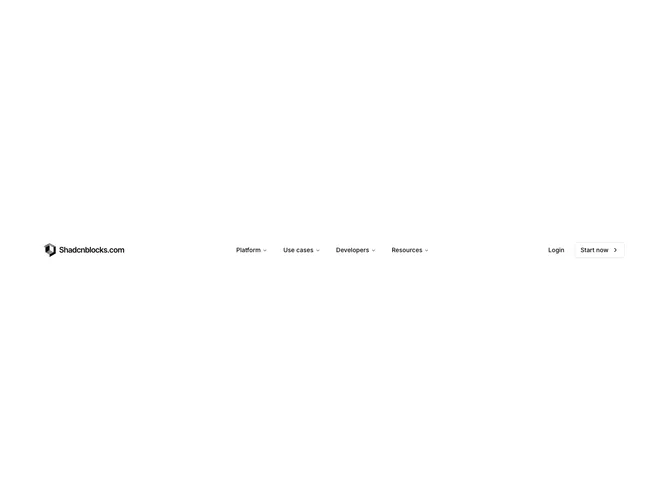
Navbar3 is a sticky top header built with shadcn/ui, centered around four mega menu triggers: Platform, Solutions, Developers, and Resources. Each desktop panel spans a wide layout mixing overview cards with images, icon grids for solutions or industries, documentation link lists, resource cards, customer promos, and a badge callout for product news. Ghost Login and primary Sign Up buttons sit on the right. Mobile replaces dropdowns with a full-height overlay, chevron rows that open nested sub-screens, and a Back control when inside a section.
Panels use bordered cards, muted icon tiles, uppercase section labels, and photography placeholders in video-shaped frames. Hover states lighten row backgrounds. The sticky bar keeps a solid background so content scrolls beneath it. Mobile screens use generous vertical padding on tappable rows and pinned auth buttons at the bottom of the root menu.
This is an elaborate enterprise-style navigation block aimed at B2B or platform sites that need many entry points in one header. It is distinctly more complex than icon-only dropdowns because of image cards, multi-column grids, and separate mobile drill-down flows. Mixed complexity: layout and interaction are code-driven, but real product screenshots and copy are needed to look finished.
Body scroll locks while the mobile menu is open. Desktop mega panels are centered under the menu list. Small screens hide inline auth until the overlay footer.