
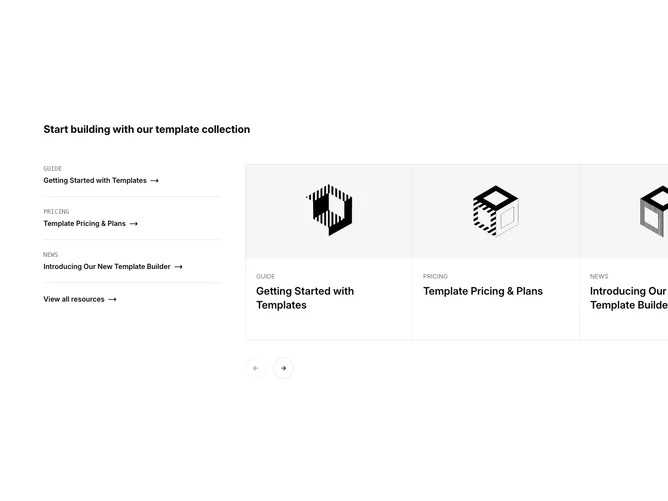
Gallery 8 block design & features
The section splits into a three-column grid on large screens. The left column lists three resources as text links, each showing a monospace uppercase category label and a semibold title with an animated arrow icon, separated by shadcn/ui Separator components. A "View all resources" link anchors the bottom of the list. The right two columns hold a Carousel whose items are bordered cards containing a video-aspect image and a text block with category and title.
Carousel items share a continuous border along the top, bottom, and between each card, using conditional border-right on the last item. The visible overflow is clipped on the left but extends freely to the right, letting upcoming slides peek into view. Large round previous and next buttons sit below the carousel, rendered at a static position rather than overlaid on the content. Cards highlight with a subtle muted background on hover.
The combined list-plus-carousel pattern gives the block a resource-hub feel, mixing quick-scan text links on one side with a visual browsable strip on the other. The monospace category labels and separator lines add a structured, documentation-style rhythm.