
Gallery 13 block design & features
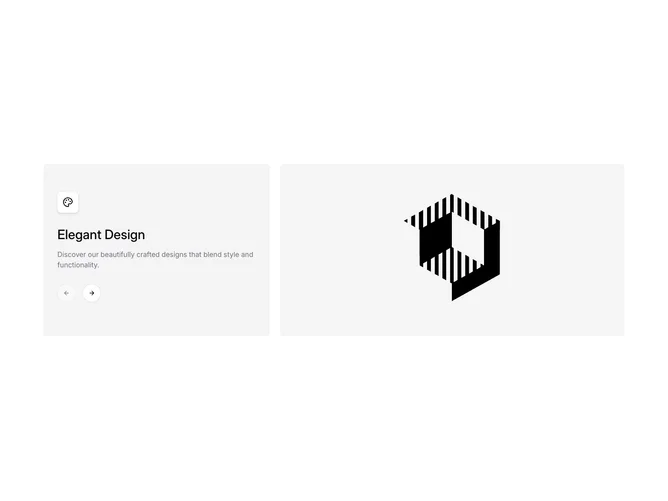
The block arranges a shadcn/ui Carousel inside a five-column grid, giving two columns to a detail panel and three to the image area. The detail panel sits on a muted background with rounded corners and contains a title, a description, and the built-in CarouselPrevious and CarouselNext buttons. As the slide changes, the title and description update to reflect the active item.
Visually, the detail panel uses generous vertical padding with the navigation buttons repositioned statically within the panel and inverted on hover. Images stretch to match the detail panel height with rounded-lg corners and cover-fit scaling.
The aesthetic is minimal and functional, pairing a neutral muted surface with clean type. The two-panel split keeps text and imagery clearly separated, giving each element room to breathe.