

Feature 28 block design & features
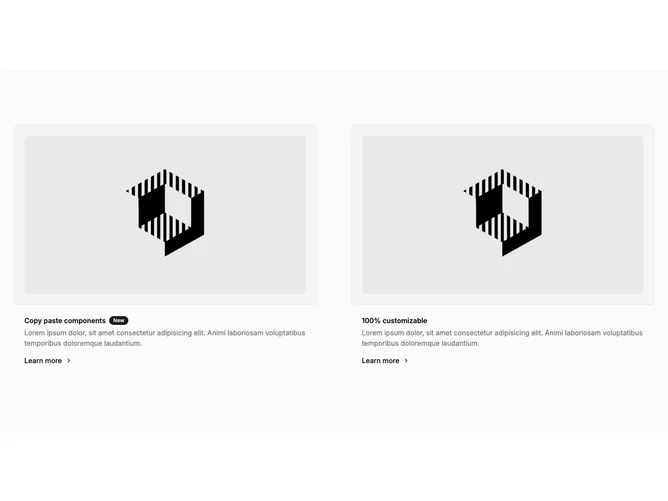
Feature28 is a dual-column feature strip built with Shadcn UI, with each column pairing a bordered media frame and a text block beneath it. Headlines can include a badge for a “new” style callout, followed by muted body copy and a text link that reads as Learn more with a right chevron.
The section sits on a soft neutral page background with muted inner panels around images and modest rounding on frames and photos. There is no carousel or motion; emphasis comes from clear separation between the two stories and simple typographic weight on titles. Density is balanced: enough padding to feel marketing-grade, not airy hero spacing.
This is intentionally close to a starter or wireframe style: two parallel feature blurbs with placeholders you are expected to replace. Uniqueness is low, which makes it easy to adapt, and image-driven content does most of the work once real art lands.
On small screens the columns stack in source order, so the first story leads and the second follows without awkward side-by-side squeezing.