

Feature 156 block design & features
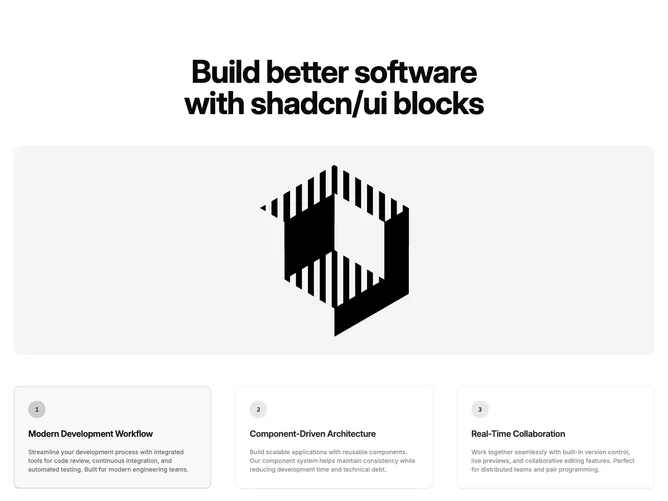
Feature156 is a tabbed feature section built with Shadcn UI tabs, pairing a text column of labels and descriptions with a dominant preview area. Choosing a tab updates the large media frame and its accompanying title and blurb, so the interaction model is “pick a theme, see the visual proof.” The backdrop uses a faint grid texture and a radial highlight to keep focus on the illustration.
The styling reads modern and product-marketing neutral: crisp type, balanced padding, and emphasis on the swapped image rather than heavy borders. Tabs act as the primary interactive affordance, while the media side carries most of the personality through photography or interface shots you provide.
This layout is a common but effective pattern when each tab represents a parallel capability; complexity is moderate because the structure repeats and state is limited to the active tab. It feels more guided than a grid of cards because visitors see one story at a time.
You need strong per-tab imagery and copy that differentiates each option. On smaller breakpoints the tab list and preview stack, so short tab labels help preserve scannability.