

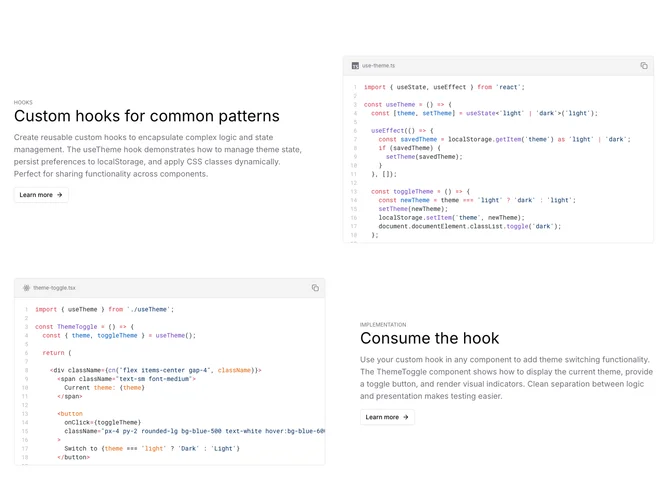
Code Example 3 block design & features
CodeExample3 is a Shadcn block designed to showcase the implementation and use of custom hooks through elegantly structured code demonstrations. It effectively segments information into well-defined sections that display the code logic alongside explanatory text, allowing developers to understand how to manage and apply themes by toggling between light and dark modes. This component is particularly advantageous for those creating applications with theming capabilities, as it provides a ready-made solution for maintaining and persisting user preference states such as theme selection.
In greater detail, this Shadcn UI component organizes its layout using a two-column grid that alternates between descriptive text and code blocks. The component highlights the useTheme hook, which encapsulates theme management logic and integrates localStorage for persisting user choices. By leveraging Shadcn UI elements like CodeBlock and ScrollArea, it ensures code snippets are readily accessible and easy to navigate. The component not only illustrates the underlying logic of the useTheme hook but also demonstrates its application through the ThemeToggle component. Users can quickly see how hooks enhance functionality separation, allowing for simple integration and testing across different components.